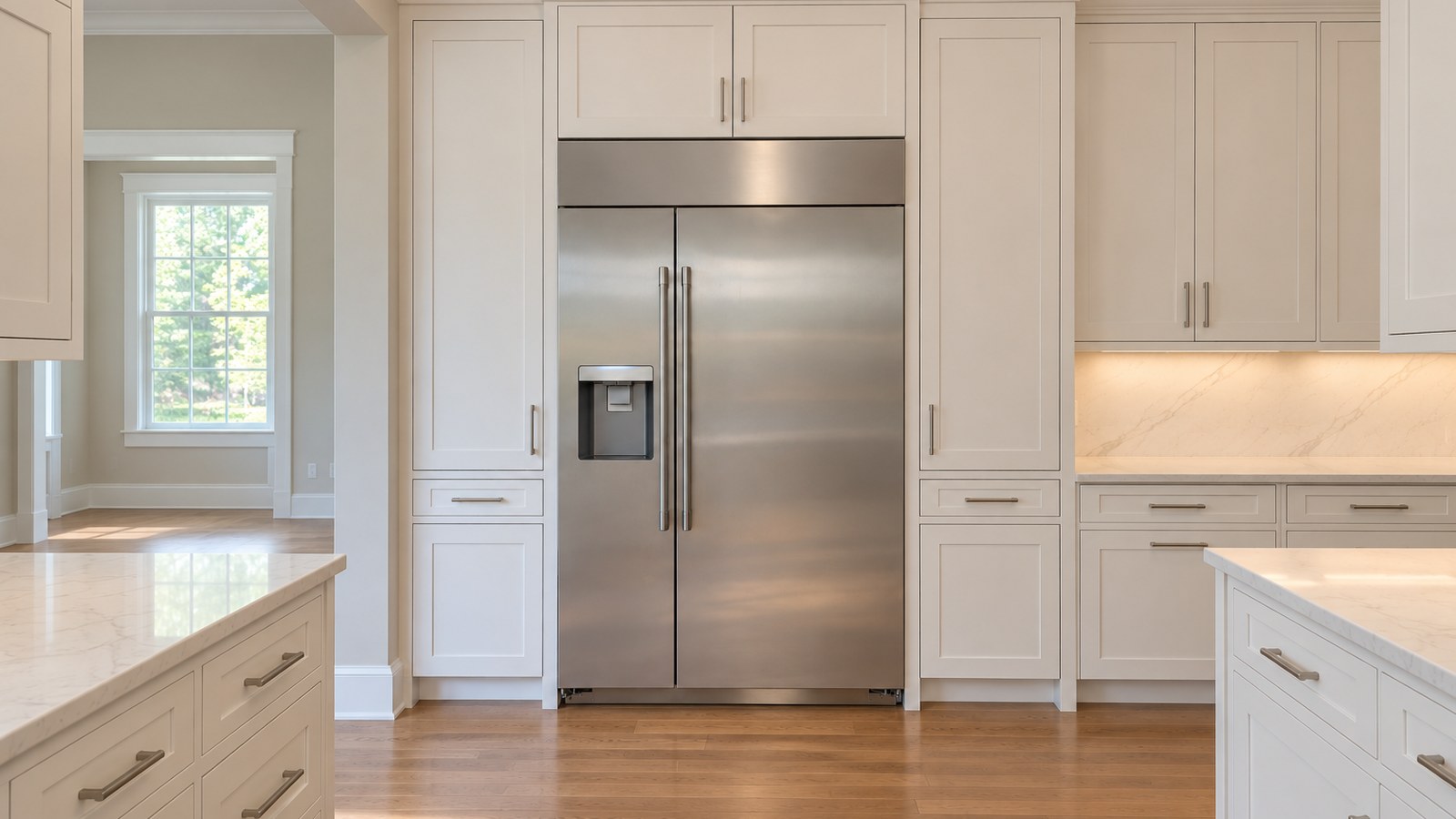
You walk into the kitchen and something on your Monogram looks wrong. Letters where the temperature should be. A light that won’t stop blinking. A beep from the door every time you turn your back. On a built-in refrigerator that’s supposed to be silent and invisible, that’s unnerving.
Take a breath. Some of what shows up on a Monogram display isn’t a fault at all — it’s a setting, a mode, or a reminder. Some of it is a real warning worth acting on today. The trick is telling the two apart, and that’s what this guide is for.
We’ll cover how the electronics watch over your refrigerator, why messages and codes appear, what Monogram’s own manuals say the display can show, what GE Appliances lists as general refrigerator codes, what you can safely check yourself, and when a technician should take over. If you’d rather have someone look at it in person, our GE Monogram refrigerator repair team works on built-in Monogram models across metro Atlanta.
The Brain and Nervous System of Your Premium Appliance
Think of your Monogram like a high-end car. The control board is the onboard computer — the brain that reads data and makes decisions. Temperature sensors (thermistors, small probes that measure air temperature), fan motors, door switches, and the icemaker are the nerves sending signals back.
When everything is in balance, you never notice the system working. When something drifts — a compartment warming, a door left open, an icemaker jammed — the control reacts: a message on the display, a flashing light, a beep.
That’s a feature, not a flaw. It’s the refrigerator asking for attention before you notice warm milk or soft ice cream. Monogram’s newer manuals even note that a technician may need to plug a diagnostic tool into the refrigerator — the deeper information lives inside the electronics.
The Root Causes: Why Messages and Codes Appear on GE Monogram
In our service calls, a message on a Monogram display usually traces back to one of a handful of things:
- A setting someone changed. Cooling turned off at the controls, Sabbath Mode switched on, a filter reminder that came due. These look alarming and aren’t faults.
- A door that isn’t closing. A tall bottle, a drawer pushed in crooked, or a door left ajar trips the door alarm.
- A temperature that’s rising. Something is letting warm air in, or the cooling isn’t keeping up — airflow blocked inside the cabinet, a fan slowing down, or a defrost problem.
- The icemaker. Jammed cubes or a water supply issue.
- A failing part. Sensors, the wiring between them and the control, the control board itself, fans, the defrost system, door switches, or — less often — the sealed cooling system.
Georgia’s heat and humidity don’t create these problems, but they make a refrigerator work harder, which can bring a weak part to the surface sooner.
Your Decoder Ring: What GE Monogram Displays Actually Show
Here’s something most error-code lists online won’t tell you: Monogram’s owner’s manuals don’t include a fault code table at all. They describe display messages, alarms, and indicator lights. That’s why you’ll see meanings for “FF,” “dL,” “EF,” “SF,” or “dF” floating around the internet that don’t match anything Monogram publishes — so treat them with caution.
What the manuals do describe:
| What you see | What Monogram’s manuals say it means | What to do |
|---|---|---|
| OFF in the displays | Cooling has been turned off at the temperature controls. It stops cooling but doesn’t cut electrical power | Turn cooling back on following your manual; presets of 0°F (freezer) and 37°F (fresh food) return. Allow 24 hours to reach set temperatures |
| SA for 5 seconds, then a dark display | Sabbath Mode. Displays, alarms, lights, and the icemaker are disabled while the refrigerator keeps operating. On the built-in side-by-side, it exits on its own after 96 hours | Turn it off using your manual’s key sequence |
| A flashing light and beeping when a door is open | The door alarm: it flashes and beeps if a door stays open more than 2 minutes | Close the door fully; check for anything in its path |
| Filter light orange, then red | Filter due soon (orange); replace the cartridge (red) or when water flow drops | Replace the filter as your manual describes |
| Green icemaker power light blinking (older column models) | Cubes stuck in the icemaker | Have a technician clear it — reaching into the icemaker isn’t a homeowner job |
Then there’s GE Appliances’ general support article on refrigerator codes. It doesn’t name Monogram, so whether your display uses these codes is something your own manual or a technician should confirm. Here’s what GE lists:
| Code | GE Appliances’ definition |
|---|---|
| FF | Check frozen food for thawing because the temperature is rising too high |
| PF | The power to the refrigerator has been interrupted |
| CI | Check the icemaker for proper operation |
| DE | Demo mode — lights and controls work, cooling is disabled |
| dE | The defrost system has not operated properly in the last 24 hours |
| CC | Check the temperature controls — the refrigerator temperature is incorrect |
| tC, tF | Not error codes: TurboCool and TurboFreeze indicators, which can look like “EC” or “EF” |
Notice that GE’s FF isn’t a “sensor fault” — it’s a warning that the freezer is warming. GE also says the list isn’t complete: codes that can’t be resolved without a technician are left out.
Seeing a code that keeps coming back? Don’t just keep resetting it. Book GE Monogram refrigerator repair and we’ll find out why it’s there.
Models We Know Inside and Out
GE Appliances’ support pages list Monogram refrigerators like these — and they’re the ones we see most in Atlanta homes:
- Built-in side-by-side: ZISS360DNSS, ZISS420NNSS, ZISS480DNSS (made from January 2020), and the earlier ZIS420NM. Large freezer compartments and an electronic dispenser panel mean more places for a message to show up.
- Built-in column: ZIR360NNRH (all-refrigerator), part of the ZIR360, ZIF360, ZIRS360, and ZIFS360 column families. Each column has its own controls, so an OFF can appear on just one unit.
- Built-in French-door: ZIP360NH.
- Counter-depth French-door: ZWE23ESHSS. On this model, Sabbath Mode turns off or dims lights and temperature control, and the filter reminder may appear as a status message on touch-screen versions.
For a sense of what else these refrigerators can throw at you, our guide to a GE Monogram refrigerator leaking water covers another common call.
Why Prompt Action Is Non-Negotiable
A message that keeps coming back isn’t background noise. It’s your Monogram telling you it’s compensating for something. Here’s what happens when it’s ignored:
- Food comes first. A freezer that’s quietly warming can ruin a full load of groceries before anyone notices.
- Small faults grow. A fan that’s slowing down or a defrost system that isn’t working makes the rest of the system work harder.
- Parts wear sooner. Constant running stresses the compressor and fans.
- The electric bill creeps up, especially through a long Atlanta summer.
Catching it early usually keeps the fix simple — and keeps you from paying for parts you didn’t need.
The First Responder’s Guide: Safe DIY Steps to Try
When a message appears, the first instinct is panic. Don’t. Work through these in order.
Safety first. Don’t remove panels or covers, and don’t touch wiring. Never reach behind or into a grille while the unit is running. If you smell burning or see damaged wiring, unplug the refrigerator and leave it unplugged.
1. Document everything
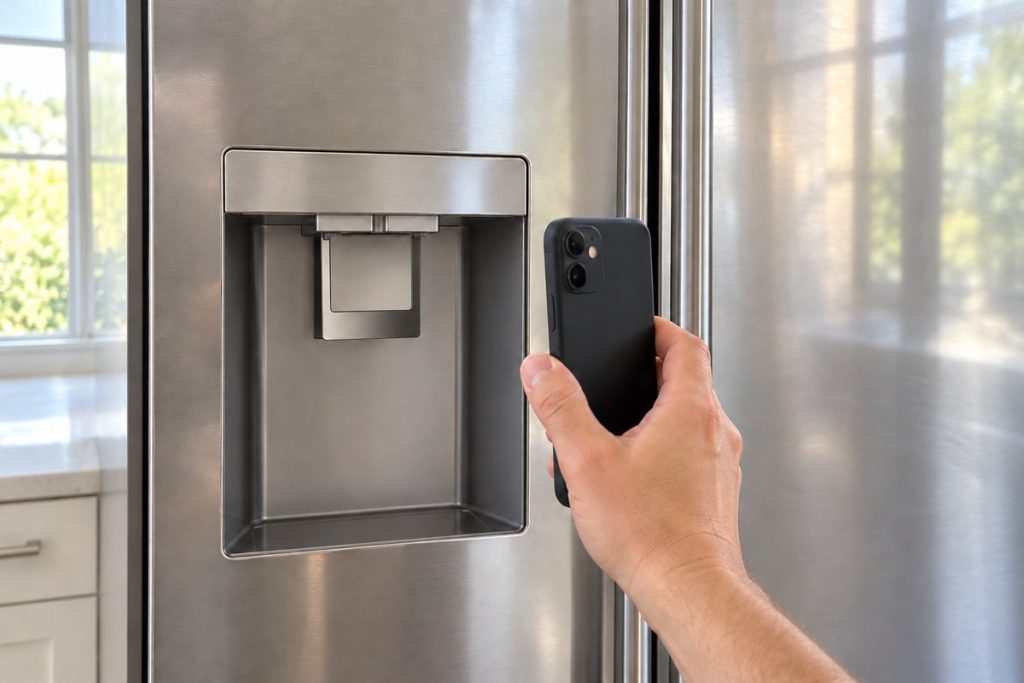
Write down the exact characters, whether they flash or stay steady, and whether there’s beeping. Take a clear photo of the display. While you’re at it, note the model and serial numbers: on the built-in side-by-side the label sits in the lower right of the fresh food compartment, beneath the climate control drawer; on the counter-depth French-door model it’s inside the refrigerator compartment at the top right.
2. Rule out settings and modes
Check the table above. OFF, SA, a dark panel, or a filter light may simply be a setting — your manual shows how to switch each one back.
3. Inspect the obvious
Make sure every door closes fully with nothing in its path. Don’t set food directly against the air vents inside — the counter-depth manual specifically warns about that. Look at the space around the unit and the grille for anything blocking airflow, without reaching behind it. If the whole unit is dark, check the home’s breaker panel — a tripped breaker is on the side-by-side manual’s list of causes.
4. About resetting
GE Appliances’ general article says that sometimes disconnecting power for a minute or two will reset the control panel and clear a code — and that some cases need service. Keep in mind that cutting power stops cooling, and a cleared code doesn’t explain why it appeared. If you do try it, write the code down first, and watch closely: a code that comes right back is the refrigerator telling you the problem is real.
5. Observe
Check actual temperatures with a separate thermometer in each compartment. Monogram presets are 0°F for the freezer and 37°F for fresh food. If temperatures hold and the message doesn’t return, it may have been a one-off — like a power interruption.
Important: never try to enter a service or diagnostic mode, and never work on the control board yourself. Monogram electronics are sensitive, and missteps can turn a simple repair into a bigger one.
When to Call a Technician: The Professional Shift
Quick checks are great first steps. These are the signs it’s time to stop troubleshooting:
- The code or alarm returns right after a reset, or within a day or two.
- Temperatures are off: the freezer isn’t holding near 0°F, the fresh food side is creeping toward 40°F, or you see frost building up inside.
- You see a warming warning like GE’s FF together with soft food.
- Multiple messages appear one after another.
- The icemaker light is blinking for stuck cubes, or ice has stopped.
- You’re not sure what the display is telling you.
Behind the panels, a technician checks what an owner can’t: sensors and their wiring, the main control board and the dispenser or temperature control panel, evaporator and condenser fans, the defrost system including its heater and drain, door switches, the icemaker and its water valve, and — when needed — the sealed cooling system. Our technicians are EPA 608 certified (a federal certification for handling refrigerant), insured, and background-checked, and we tell you straight what needs fixing and what doesn’t.
One more thing before you book: Monogram prints a limited warranty in its owner’s manuals. In the built-in side-by-side manual, parts that fail from a manufacturing defect are covered for two years and the sealed refrigerating system for five, and replacement parts for that system in years six through twelve, counted from the original purchase date. Terms differ by model and date, so check your own warranty document first.

Conclusion
A message on your GE Monogram isn’t a random annoyance. Sometimes it’s a setting, a mode, or a filter reminder you can clear in a minute. Sometimes it’s a real warning that a compartment is warming or a part is failing.
Read it, write it down, rule out the simple stuff, and watch the temperatures. If it keeps coming back, that’s the refrigerator asking for a technician — and acting on the first flash almost always keeps the fix smaller.
GE Monogram display still showing a code? Schedule GE Monogram refrigerator repair with PRO Appliance Repair — same- or next-day service across most of metro Atlanta. We use genuine OEM parts (made by the original manufacturer) and back the work with our own repair warranty — up to six months. It’s separate from any Monogram warranty and doesn’t replace or extend it.
FAQ
An “FF” showed up on my Monogram once and then disappeared. Should I worry?
Keep an eye on it. Monogram’s manuals don’t list FF, but GE Appliances’ general article defines it as a warning to check frozen food because the temperature is rising too high. Write down when it appears, check the freezer with a thermometer, and if it returns, have a technician confirm what it means on your model.
Does a GE Monogram refrigerator even have error codes?
Monogram’s owner’s manuals don’t include a fault code table. They describe display messages like OFF and SA, a door alarm that flashes and beeps, and filter and icemaker lights. GE Appliances lists general refrigerator codes, but that article doesn’t name Monogram — so confirm any code with your own manual or a technician.
My Monogram display says OFF or SA. Is it broken?
Probably not. OFF means cooling was turned off at the temperature controls — it stops cooling without cutting power. SA appears for 5 seconds when Sabbath Mode starts; then the display and lights go dark until the mode ends. Your manual shows how to switch each back. If cooling doesn’t recover within 24 hours, call for service.
Can I unplug my fridge to clear an error code for good?
No. GE says disconnecting power for a minute or two sometimes resets the control panel, but if there’s a real fault, the code comes back as soon as the system checks itself again. A cleared code doesn’t fix the cause.
Is it safe to keep food in the refrigerator while it’s showing a code?
Use a separate thermometer in both compartments and check regularly. If the freezer holds near 0°F and fresh food stays at 40°F or below, food is likely fine for the short term — but don’t put off a diagnosis. If temperatures are climbing, move the most perishable food to a cooler and book a visit.
Will the Monogram warranty cover the repair?
That depends on your own warranty document. In the built-in side-by-side manual, defective parts are covered for two years and the sealed refrigerating system for five, with replacement parts for that system through the twelfth year from the original purchase. Check your document or contact the warrantor it names before booking.
PRO Appliance Repair is an independent repair company and is not affiliated with, sponsored by, or endorsed by Haier US Appliance Solutions, Inc. d/b/a GE Appliances, the GE brand, or the Monogram brand. Brand and model names are used only to identify the appliances this page is about and remain the trademarks of their respective owners.