
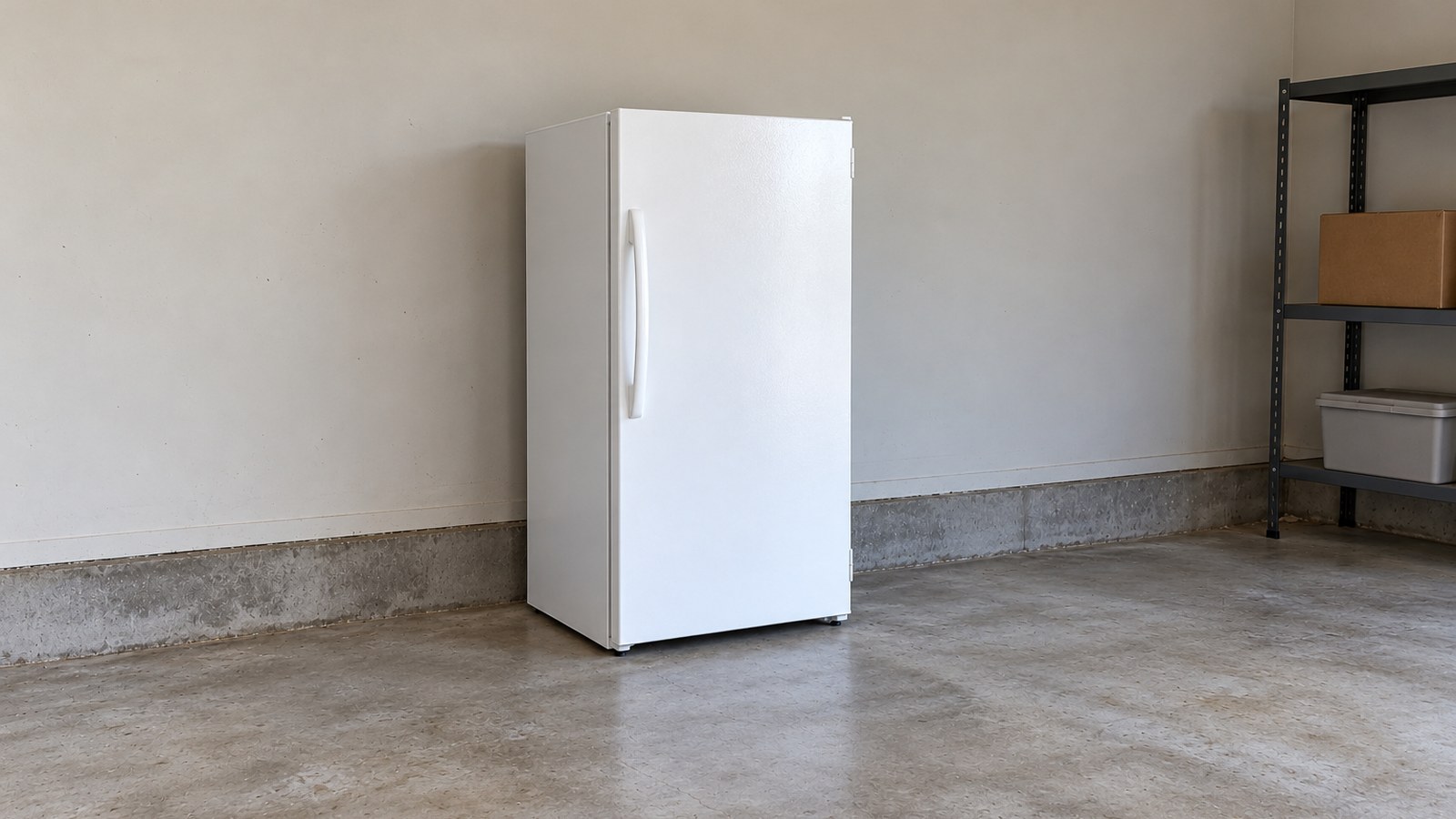
It’s late, the house is quiet, and suddenly the freezer in the garage or the kitchen sounds like it’s working way too hard. A grind. A buzz. A rattle that wasn’t there last week. You stand there listening, wondering whether it’s about to quit on a full load of food.
Here’s the reassuring part: a lot of freezer sounds are completely normal, and Kenmore says so in its own guides. The type of sound you’re hearing is the most direct clue you have. Grinding is different from buzzing. Clicking is different from rattling. Each one points somewhere different — and some of those places are worth a technician’s visit, not a screwdriver.
Noise calls are among the most common Kenmore service requests we handle in Atlanta. This guide starts with the sound itself, because that’s where you are right now. Then we’ll walk through what usually causes each one, what you can safely check, and when to book Kenmore freezer repair instead.
Kenmore Freezer Noise Identification Guide
Before touching anything, listen carefully and use this table to narrow down the source. The “normal” rows come straight from the Sound and Noise sections of Kenmore’s freezer Use & Care Guides; the rest are what we see in the field.
| Sound | Most likely source | What it means |
|---|---|---|
| A steady hum you notice when the room is quiet | The compressor running | Normal. Kenmore says modern freezers use a high-efficiency compressor, and you may hear it when the house is quiet |
| A louder, longer sound — or popping and cracking — as the compressor comes on | Higher pressures at start-up; metal parts expanding and contracting | Normal. Kenmore says it levels off or disappears as the freezer keeps running |
| Bubbling or gurgling, like water boiling | Refrigerant circulating | Normal, per Kenmore |
| Rattling or vibrating | Freezer not level, uneven or weak floor, or touching the wall | Kenmore lists this as a fixable cause, not a normal sound |
| A buzzer with a blinking red light (electronic uprights) | Temperature alarm | The inside has reached an unsafe temperature — read a thermometer |
| A brief buzz while the ice maker fills | Water valve on models with an ice maker | Usually normal |
| Grinding, scraping, or squealing | Often a fan — a worn motor, or a blade hitting ice | Not on Kenmore’s normal list. Have it checked soon |
| Repeated clicking from the back, with the freezer struggling | Compressor start components | Have it checked |
| A sound that never settles | Not on Kenmore’s normal list | A technician should listen |
One quick listening test: on many frost-free freezers, the fan inside the freezer pauses when the door is open. If a grinding or buzzing sound stops the moment you open the door and comes back when you close it, the inside fan is a strong suspect. If it carries on regardless, the source is more likely at the back or bottom of the unit — the condenser fan, the compressor, or something vibrating.

Most Common Causes of a Noisy Kenmore Freezer
Evaporator Fan Motor or Blade
The evaporator fan sits behind the back panel inside the freezer and circulates cold air through the compartment. When its motor bearings wear, you get a grinding or squealing sound. When frost builds up around it — from a defrost problem or a door seal that’s letting warm air in — the blade starts clipping ice with every turn. That’s the rhythmic scraping that gets worse over time.
A Kenmore Elite guide describes a soft whooshing from the evaporator fan as normal. Grinding, scraping, or squealing isn’t — and since the fan is behind a panel, it’s not an owner check.
Condenser Fan Motor or Blade
On models that have one, the condenser fan sits near the bottom rear of the unit, pulling air across the condenser to carry heat away. Dust buildup, worn bearings, or something touching the blade can make it buzz, rattle, or grind. Condenser fan noise tends to be lower-pitched than evaporator fan noise and comes from the back of the unit rather than the inside.
Ice Buildup Around the Evaporator Fan
When the automatic defrost isn’t keeping up — a failing defrost heater or thermostat, or a door seal that’s letting humid air in — frost collects around the coils and fan. The blade starts hitting the ice, and the grinding gets worse day by day.
Melting the ice may quiet things for a while. But if the noise comes back, the ice is the symptom, not the cause. Clearing it properly and fixing what caused it is part of the repair.
Compressor Noise
A healthy compressor produces a steady hum — present but not intrusive. Kenmore’s guides note that a freezer works harder, and runs longer, in a hot room or hot weather — something every Atlanta garage freezer knows about. A worn or poorly fitting door gasket makes it run longer, too.
What isn’t normal: a compressor that stays loud for the whole run, clicks on and off again within moments, or labors with a strained, uneven sound. Repeated clicking from the back, with the freezer struggling to stay cold, usually points to the compressor’s start components or the compressor itself. That’s a technician’s job — the compressor and its start parts sit behind a rear panel on a live circuit.
Water Inlet Valve
On models with an ice maker, the water valve buzzes briefly as the ice maker fills. A Kenmore Elite guide calls that normal, along with cubes dropping into the bin and water running as it refills. A valve that buzzes loudly, chatters constantly, or buzzes when the ice maker isn’t filling is worth having checked.
Freezer Not Level — Vibration and Rattling
Vibrating or rattling is the one Sound and Noise row Kenmore’s guides don’t call normal. They give three causes: the freezer isn’t level and rocks when moved slightly, the floor is uneven or weak, or the freezer is touching the wall. Some Kenmore guides also mention the water line and items stored on top.
This is often the easiest problem on the list. The guides ask for all bottom corners resting firmly on a solid floor and about 3 inches (75 mm) of space on all sides of an upright — 4 inches (about 10 cm) for a chest freezer.
Can’t pin the sound down, or it’s coming from behind a panel? Book Kenmore freezer repair — same- or next-day service across most of metro Atlanta.
How to Handle a Noisy Kenmore Freezer (Step-by-Step)
Work from the free, safe checks to the point where a technician takes over.
Safety first. Don’t remove panels or covers, and don’t touch wiring — the fans, compressor, and start components all sit on a live household circuit. Never reach behind or into a grille while the unit is running. Don’t open or close the water supply valve or touch the water line. If you smell burning, switch off the freezer’s breaker if you can do so safely; if there’s smoke, keep away and call 911.
Step 1 — Listen and Match the Sound
Listen as the compressor starts. Does the sound settle, the way Kenmore says normal start-up sounds do? Try the door test above. Then match what you hear to a row in the table. A sound that isn’t on it goes to a technician.
Step 2 — Look Around the Cabinet
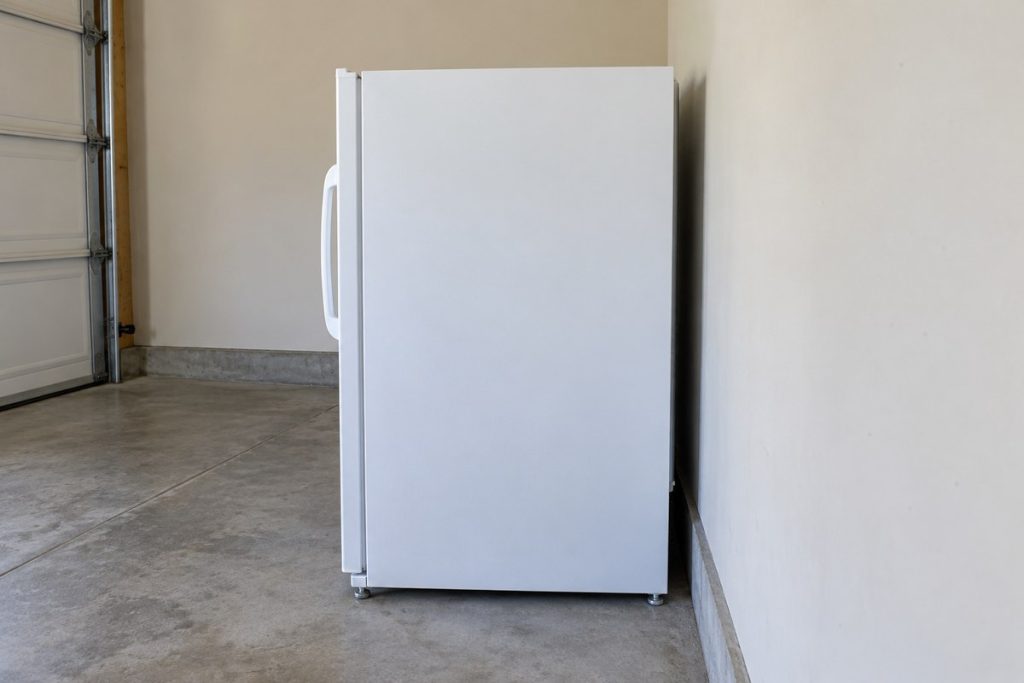
Check that there’s a gap on all sides, that no side or the back is touching a wall or cabinet, and that nothing is resting on top. On an upright, Kenmore says the door should close easily when left halfway open.
Step 3 — Check the Floor and the Corners
Press gently on each top corner. If the freezer rocks, it isn’t sitting level. Kenmore’s guides show owners how to level an upright with its leveling feet and a carpenter’s level, or shim a chest model with wood or metal shims. Leveling a fully loaded freezer can be awkward and heavy — if you’re not comfortable moving it, leave it to a technician.
Step 4 — Look at the Door or Lid
Make sure it closes fully, packages sit behind the shelf fronts, and the gasket has no dirt, cracks, or gaps. A gasket that leaks makes the freezer run longer and louder — and lets in the humid air that turns into ice around the fan.
Step 5 — If the Alarm Sounded, Read a Thermometer
On electronic uprights, Kenmore’s guides say the red light blinks and the buzzer sounds if the inside reaches an unsafe temperature. The ALARM OFF button silences it, the light keeps blinking until a safe freezing temperature returns, and the buzzer turns on again if the fault isn’t resolved within 12 hours. A warm reading on a running freezer is a reason to call.
Step 6 — Write It Down
Note when the sound happens, how long it lasts, and make a short recording on your phone. Write down the model and serial numbers from the serial plate. That makes the technician’s visit faster.
What a Technician Takes Over
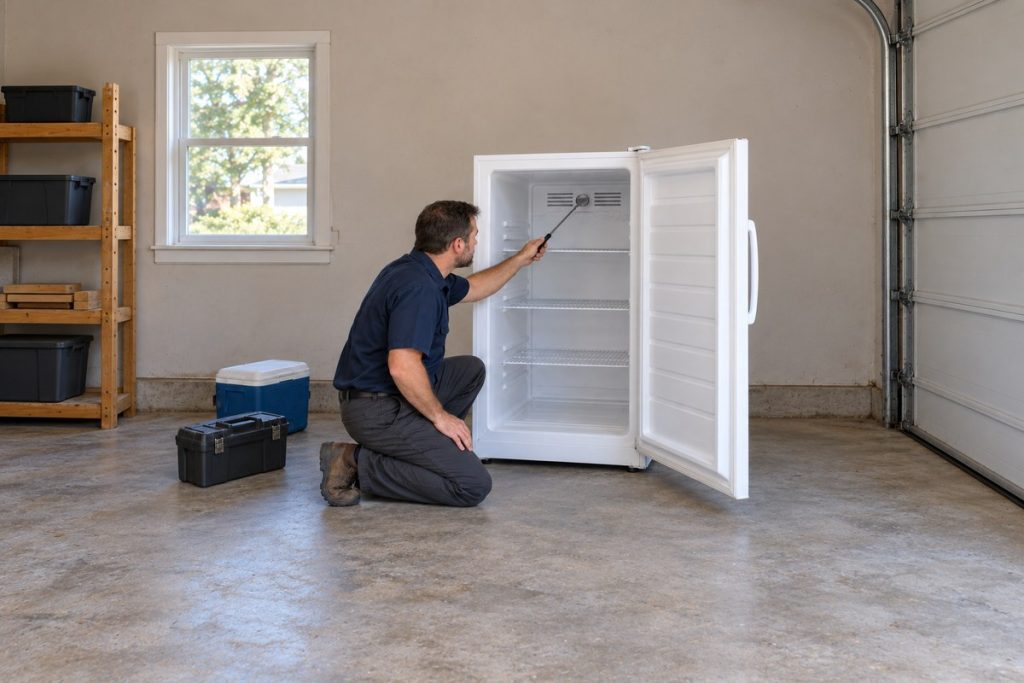
Everything behind a panel. A technician’s diagnosis of a noisy freezer can cover:
- the evaporator and condenser fans, their motors and blades, and any ice around them;
- the compressor, its start components, and its mounting;
- the automatic defrost parts on frost-free models;
- the ice maker’s water valve, where fitted;
- loose covers or tubing vibrating against the cabinet;
- the sealed refrigerant system — work for EPA 608 certified (a federal certification for handling refrigerant) technicians.
Our technicians are insured and background-checked, and we use genuine OEM parts (made by the original manufacturer). We’ll tell you straight what’s making the noise — and what doesn’t need replacing.
What a Noise Repair Usually Involves
Most noise repairs are straightforward once the source is found: a fan motor or blade, ice cleared and its cause fixed, a start component, or a loose cover or line that’s been vibrating. Compressor and sealed-system work is the bigger job, and it’s the one case where catching the problem early matters most.
Before you book, check your warranty. Kenmore’s warranty page lists a two-year limited warranty on freezers from the date of sale, with proof of sale, and several Kenmore guides list five years on the sealed refrigerant system. Terms differ by model and date, so check your own document first.
Normal vs. Abnormal Kenmore Freezer Sounds
Not every noise is a problem. Here’s how to tell the difference.
Normal — Kenmore’s guides say so:
- A steady hum you notice when the room is quiet (the compressor)
- A longer sound, or popping and cracking, as the compressor comes on — it levels off
- Bubbling or gurgling, like water boiling (refrigerant circulating)
- A brief buzz as the ice maker fills, and cubes dropping into the bin
- A soft whooshing of air from the fans (Kenmore Elite guide)
Abnormal — investigate promptly:
- Grinding or scraping that doesn’t stop
- Squealing or screeching from inside the freezer
- A buzz or hum noticeably louder than usual, or one that never settles
- Repeated clicking from the back with the freezer struggling
- A buzzer with a blinking red light
- Any noise with a burning smell — keep away and call for help
“Is it normal?” is one of the questions we hear most from Kenmore owners. If the sound is new, louder than before, or comes with any change in cooling, it’s worth looking into.
When to Call a Professional
These are the signs it’s time to stop troubleshooting:
- Grinding, scraping, or squealing — especially if it stops when the door opens. That’s usually a fan or ice around it.
- Clicking from the back while the freezer struggles to stay cold.
- The temperature alarm keeps coming back, or a thermometer shows the freezer warming. For a “temperature too high” status, Kenmore’s guides say to check that power is connected and contact a service technician.
- A rattle that stays after you’ve checked the corners, the gap, and the top of the cabinet.
- The noise returns after ice has been cleared — the defrost system needs attention.
- A burning smell — keep away and call for help.
If you’re also seeing the freezer run warm, our guide to a Kenmore freezer that’s too warm covers that side of the problem.
Conclusion
A Kenmore freezer making noise isn’t always a freezer in trouble. Kenmore’s own guides call a quiet-room hum, start-up pops, and gurgling normal. Vibration usually comes down to the floor, the corners, or the wall. Grinding, scraping, squealing, and clicking from the back are the sounds that deserve a technician — the earlier, the better.
Listen first. Match the sound. Check what you can see. Then let us handle what’s behind the panels.
Kenmore freezer still loud? Schedule Kenmore freezer repair with PRO Appliance Repair — same- or next-day service across most of metro Atlanta, backed by our workmanship warranty of up to six months.
FAQ
My Kenmore freezer started grinding overnight — it was completely quiet before. What’s the most likely cause?
A sudden grind usually means a fan — most often the one inside the freezer — has started hitting ice or its motor is wearing out. Frost around the fan often follows a door that didn’t close fully or a seal that’s starting to leak. Try the door test: if the grinding stops when the door opens, the inside fan is the likely source. Since it’s behind a panel, have a technician clear the ice and fix the cause.
My Kenmore freezer is noisy but still cooling fine. Should I still get it fixed?
Yes. A grinding or squealing fan that’s still turning now may stop later — and when it does, cooling goes with it. Fixing it while the freezer still works is easier on you and your food than waiting for a breakdown.
The noise is coming from the back, not the inside. What should I check first?
Back-of-unit sounds point to the condenser fan, the compressor and its start parts, or something vibrating. Check first that the freezer isn’t touching the wall, nothing is on top, and all four corners sit firmly on the floor. If the sound is still there, have a technician look — those parts are behind a panel.
Is it normal for a Kenmore freezer to hum?
Yes. Kenmore’s guides say modern freezers use a high-efficiency compressor, and when the room is quiet you may hear it running. What isn’t normal is a hum that’s much louder than it used to be, one that surges, or one that never settles.
Why is my Kenmore freezer buzzing?
Kenmore’s documents explain two kinds of buzz. On electronic upright models, a buzzer with a blinking red light is the temperature alarm — the inside has reached an unsafe temperature. On models with an ice maker, the water valve buzzes briefly as the ice maker fills. A buzz that’s neither one needs a technician.
My Kenmore freezer pops or cracks when it starts. Is something wrong?
Probably not. Kenmore’s guides list popping or cracking as the compressor comes on as normal — metal parts expanding and contracting, like hot water pipes — and say it levels off as the freezer keeps running. If the popping continues through the whole run instead of fading, have a technician listen.
PRO Appliance Repair is an independent repair company and is not affiliated with, sponsored by, or endorsed by Transform SR Brands LLC or the Kenmore brand. Brand and model names are used only to identify the appliances this page is about and remain the trademarks of their respective owners.