
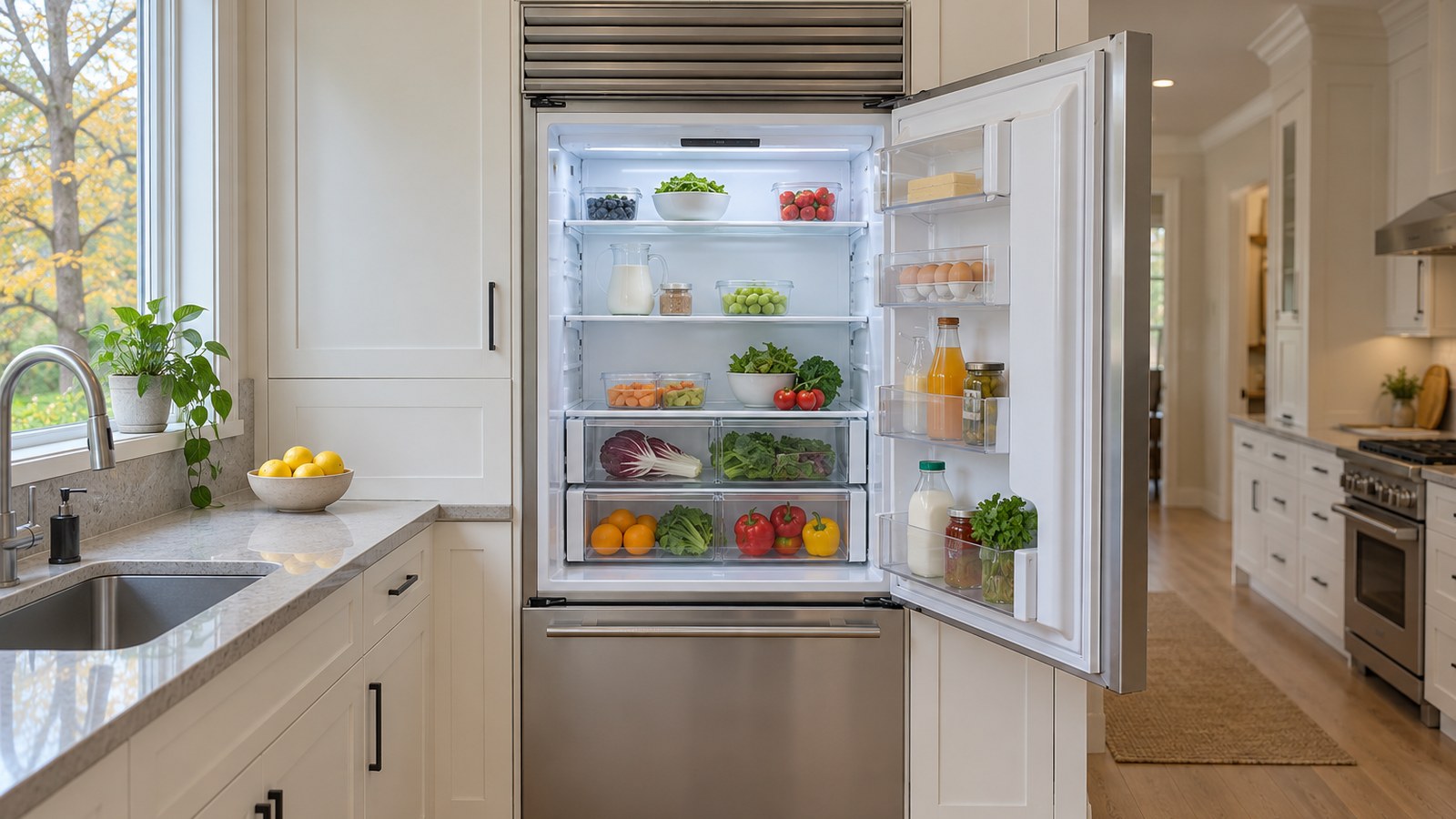
A Sub-Zero Classic isn’t a starter appliance. It’s a built-in refrigerator designed to run quietly, accurately and for decades — which is exactly why it’s so unsettling when something slips. Usually it doesn’t fail outright. It just drifts:
The refrigerator feels warmer than it should.
The freezer still seems cold.
The control panel doesn’t respond the way it used to.
If that’s your kitchen right now, take a breath. A panel that seems “broken” is sometimes a mode doing exactly what it was told, and a few checks cost nothing. In this guide, we’ll walk you through why the control matters so much, which controls your Sub-Zero actually has, the modes that look like faults, what the display is telling you, the owner checks Sub-Zero lists — and when it’s time for Sub-Zero refrigerator repair.
Why Control Panels Matter More Than Most People Realize
On a current Sub-Zero, cooling is managed electronically. Sensors called thermistors — small electronic thermometers — report the temperature in each section, and the control decides when the cooling system runs. When that conversation stops being accurate, the refrigerator usually doesn’t shut down. It keeps running, just not precisely.
That’s why owners ask questions like:
- Why is my Sub-Zero warm when the setting looks right?
- Why does adjusting the controls not change anything?
- Why is the fridge warm but the freezer cold?
Sometimes the answer is the control. Sometimes it’s a setting, a mode or a door. The order you check them in matters — free things first.
First: Which Control Does Your Sub-Zero Have?
Here’s where a lot of online advice goes wrong: “Classic” is a specific Sub-Zero line, not just “an older Sub-Zero.” Sub-Zero’s model number key spells it out — the letters at the start of the model number name the product line:
| Model number starts with | What Sub-Zero calls it | Control type |
|---|---|---|
| CL (for example CL3650, CL4250, CL4850) | Classic — current production | Touch control panel |
| BI, BW (for example BI-36, BI-42, BI-48) | Legacy Classic (formerly Built-In) | Electronic panel with capacitive touch keys |
| 500 Series (for example 511, 550, 590) | Older series, not Classic | Numbered dial |
| 600 and 700 Series (for example 661, 700BR) | Older series, not Classic | Electronic panel |
The model number is on the unit’s serial tag. Write it down before anything else — it decides which advice below applies to you.
Classic Refrigerator Not Cooling as Designed
A refrigerator that’s not cooling as designed rarely fails all at once. Performance usually slips gradually. Temperatures drift. Food doesn’t stay fresh as long. Adjustments seem to do nothing. Meanwhile, fans run, the lights come on, and the freezer still freezes — which makes the problem easy to live with and hard to pin down.
Sub-Zero’s own list of causes for a warm refrigerator is broader than “the control”: a fan not working properly, a temperature sensor or thermostat malfunction, a compressor, evaporator or condenser issue, or a problem with the door seal or gasket. The control is one suspect among several — and that’s exactly why guessing gets expensive.
When the Fridge Is Warm but the Freezer Is Cold
This is one of the most common complaints on any Sub-Zero with separate systems. Because the refrigerator and the freezer each have their own cooling, one side can run warm while the other holds its temperature perfectly. It doesn’t mean the freezer is “taking” the cold — the two sections don’t share air.
Check first: Sub-Zero says that if the lights are off and the refrigerator isn’t cooling while the freezer works normally, make sure the refrigerator wasn’t disabled or turned off. On a Classic (BI), double dashes (–) on the panel mean that zone has been switched off. On a Classic (CL), Sub-Zero says only the whole unit can be turned off, not one section.
If the section is on and still warm, the causes on Sub-Zero’s warm-refrigerator list — fan, sensor, sealed system, gasket — are a technician’s to sort out.
Touch Buttons Unresponsive on Classic (BI) and Classic (CL)
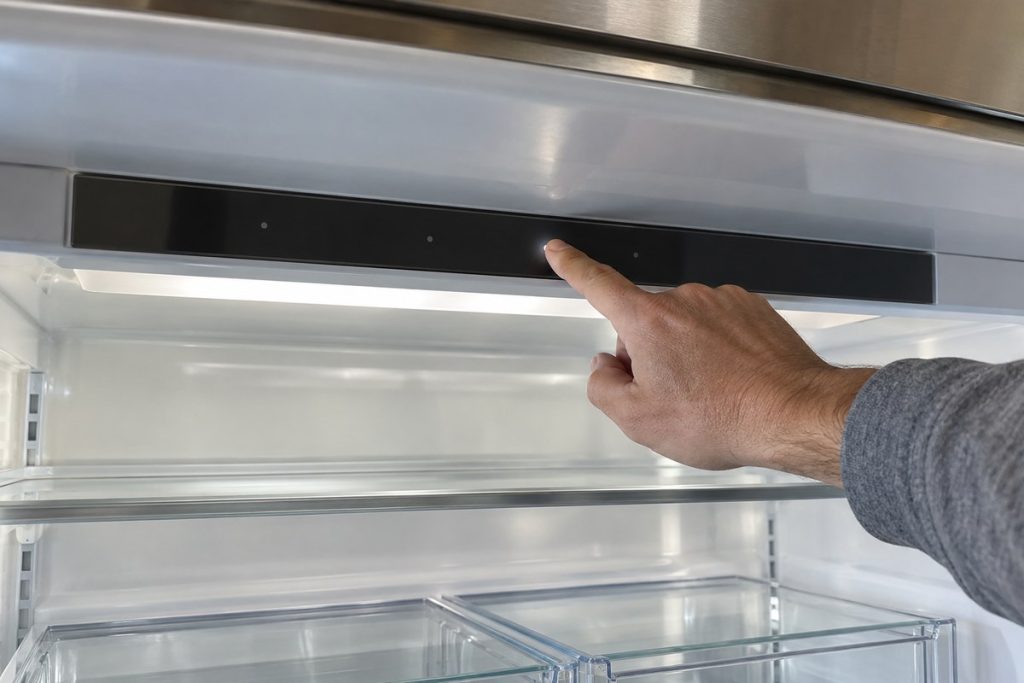
The touch panels look clean and minimal, and they’re easy to “miss.” According to Sub-Zero, Classic (BI) keys are capacitive — they only need a touch, not a press:
- Use a clean fingertip, not a fingernail. Fingernails may not register.
- Mind your hands. Sub-Zero says wet, very dry or very cold fingers may not register either.
- Look for the reason it’s dark. The Classic guides say lights are disabled after a door is left ajar; close the door for one hour.
Owners often describe a panel that lights up while certain keys stop responding, temperature changes that don’t register, or an alarm that won’t silence. If the fingertip checks and the steps below don’t bring it back, the touch panel, its connections or the control board need a technician’s diagnosis — that’s not something a reset can fix for good.
Dial Problems on Older 200, 300 and 500 Series Units
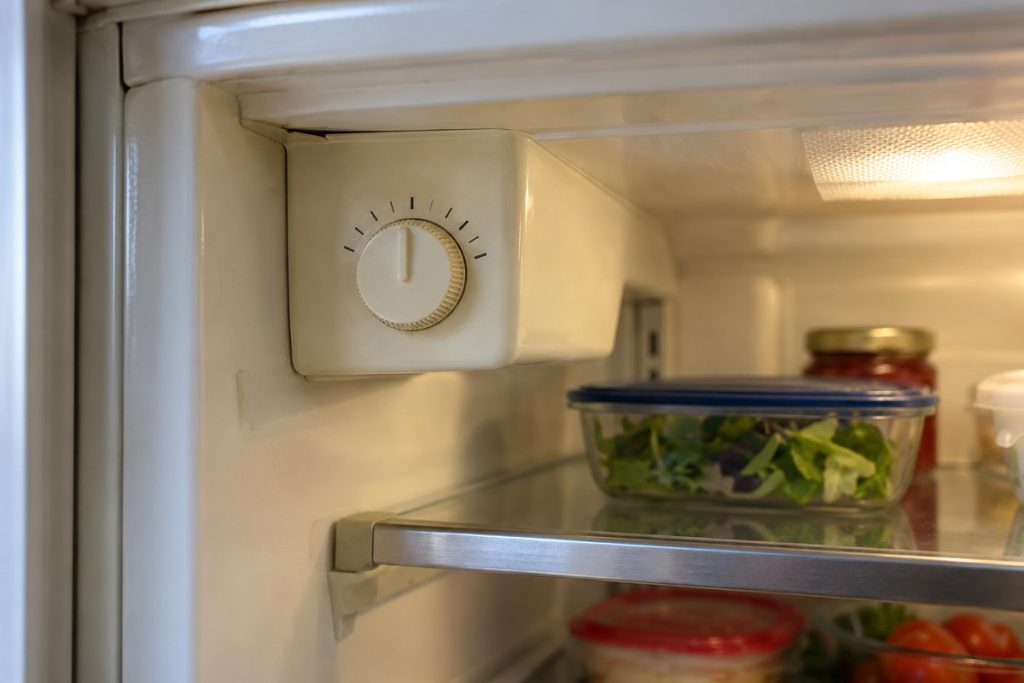
Dials belong to the older lines, not to Classic. Sub-Zero says its 200, 300 and 500 Series products have dial controls, and that 500 Series models were produced between 1987 and 2003.
Sub-Zero recommends setting the dial between 4 and 6, which it says gives temperatures near 38°F in the refrigerator and 0°F in the freezer. The higher the number, the colder: 1 is the warmest setting, and 10 — or 7 on some models — is the coldest. One warning from Sub-Zero worth repeating: don’t force the dial, as it may cause the control to break.
If the dial turns normally but the temperature doesn’t follow it after a day, that’s a reason for a technician to test the control.
Modes That Look Like a Broken Panel
Before you call anyone, rule these out. They’re designed behavior, not faults:
- Sabbath mode. On a Classic (BI), “SAb” on the panel means Sabbath mode is on; the unit disables the lights, ice maker, door alarm and dispenser. To return to normal, Sub-Zero says to touch POWER. On a Classic (CL), Sabbath mode disables the ice maker, door alarm and dispenser, dims the lights, and turns itself off after 74 hours; to turn it off sooner, touch and hold the Sabbath icon for 10 seconds.
- Showroom mode. The display looks normal and nothing cools. Sub-Zero’s Classic guide says that if the display shows 38° and 0° but the unit isn’t cooling, it may be in showroom mode; on a Classic (BI), “Sh r” appears after startup. It’s likely only if the unit was once on display at a dealer. Sub-Zero says to contact its customer care — we don’t give the key sequence here, because the same sequence turns the mode on.
- Double dashes. A section that was switched off, as above.
What the Display Is Telling You
| What you see | Where | What Sub-Zero says it means |
|---|---|---|
| “Service” flashing between temperatures | 600 and 700 Series | Excessive compressor run; possible cooling issue |
| Wrench icon flashing, alarm chiming | Classic (BI) | A major error code has been logged |
| “EE” with the wrench flashing | Classic (BI) | Faulty compartment thermistor — left side for the freezer, right side for the refrigerator; no owner troubleshooting |
| Service indicator steady (not flashing) | Classic (BI) | Check that the condenser area is clean — a technician’s job on a built-in |
What’s at stake: a flashing wrench is the panel asking for help. Write the code down exactly — it saves real time on the visit.
Common Causes a Technician Looks At
When the checks don’t settle it, a technician’s diagnosis on an electronic Sub-Zero can cover:
- the control board and the display board;
- the touch panel and its connections;
- the compartment thermistors (Sub-Zero’s “EE” points straight at one);
- loose connections or a loose communication cable — both on Sub-Zero’s list for a dark display;
- the fans, the door gasket and the sealed system, from Sub-Zero’s warm-refrigerator list.
These are possibilities, not a ranking. On a control problem, the right fix can be a sensor or a connection rather than a major mechanical component — which is why diagnosis comes before parts.
How to Troubleshoot a Classic That’s Not Cooling
Safety first: only attempt the checks below. Don’t remove any panel or cover, don’t access any wiring, and never reach behind or into a grille while the unit is running. A Sub-Zero runs on a live household circuit. If you smell burning or see smoke, skip the checks and call for help.
Work through these in order:
- Read the model number from the serial tag and note the line (CL, BI, or an older series).
- Look for a mode: SAb, Sh r, or double dashes.
- Touch the keys the way the panel expects — clean, dry fingertip.
- Check the power supply. Make sure the unit’s breaker is on and it isn’t on a tripped GFCI outlet (the kind with test and reset buttons). Sub-Zero’s step for a non-responsive panel is to switch that breaker off for 30 seconds, turn it back on, and retest. If it trips again, leave it off and call for service.
- Record the display — any code, icon or word exactly as shown.
- Protect the food. If a section is warming, move perishables elsewhere. Sub-Zero says storing food above 45°F is not safe; the FDA advises keeping a refrigerator at or below 40°F.
Still not right? You’ve done the part only an owner can do. Our Sub-Zero technicians can take it from the display to the board.
Why Control Repair Takes Experience
Sub-Zero controls are model-specific. Sub-Zero’s own troubleshooting article opens by noting that the exact cause of a cooling problem is determined by a technician. A wrong guess means repeat visits or parts you didn’t need. A proper diagnosis checks what the sensors report, what the control does with it, and whether the cooling system responds — before anything is replaced.
Check the Warranty Before Any Repair
Sub-Zero publishes a residential limited warranty. As it read on Sub-Zero’s website in October 2026, for normal residential use in the U.S. and Canada, it covers parts and labor for defects for two years, and the sealed system (compressor, condenser, evaporator, drier and connecting tubing) for five years, each counted from the date of original installation. Terms can differ by model and date — check your own warranty document or contact Sub-Zero before booking any repair.
The Bottom Line
Sub-Zero Classic refrigerators are built for precision, and when cooling slips, the cause is often quiet — a mode, a switched-off section, a sensor, a control. Control problems rarely stop a refrigerator outright; they wear down performance over time. Caught early, they’re manageable. Ignored, a warm section can cost you food — and put extra hours on parts that didn’t need them.
Frequently Asked Questions
Why is my Sub-Zero Classic refrigerator warm but the freezer is cold?
Because the two sections cool separately, one can warm while the other holds. Check first that the refrigerator section wasn’t turned off — on a Classic (BI), double dashes on the panel mean the zone is disabled. If it’s on, Sub-Zero lists a fan, a temperature sensor or thermostat, the sealed system or the door gasket as causes; those need a technician.
Can a control panel problem cause a Sub-Zero not to cool?
Yes, it can — but it’s one cause among several. Sub-Zero lists a temperature sensor or thermostat malfunction alongside fans, the sealed system and the door gasket. On a Classic (BI), “EE” with a flashing wrench points to a faulty compartment thermistor, and Sub-Zero says there’s no owner troubleshooting for it.
Why won’t my Sub-Zero touch buttons respond?
Often it’s the touch. Classic (BI) keys are capacitive, so Sub-Zero says to use a clean fingertip, not a fingernail; wet, very dry or very cold fingers may not register. Also check for Sabbath mode (“SAb”), a closed breaker and a GFCI that hasn’t tripped. If keys still don’t respond, the panel or board needs diagnosis.
Does my Sub-Zero have a dial or a touch panel?
It depends on the line. Classic (CL) and Classic (BI) units use electronic panels. Sub-Zero says dial controls belong to the 200, 300 and 500 Series. The letters at the start of the model number on the serial tag tell you which line you have.
Should the control panel or the control board be replaced?
That depends on the model and what failed. It might be the touch panel, a connection, a sensor or the main board — and from the kitchen they can look the same. That’s why a diagnosis should come before any part is ordered.
Is it safe to keep using the refrigerator while cooling is inconsistent?
Short-term, with care. Watch the temperature: Sub-Zero says storing food above 45°F is not safe, and the FDA advises 40°F or below. Move perishables if a section is warming, and book a diagnosis rather than waiting it out — inconsistent cooling rarely fixes itself.
Get Your Classic Back to Precise
If the checks above don’t bring your panel or your temperatures back, it’s time for a technician who knows Sub-Zero’s lines apart. Bring the model number, the section that’s affected and any code exactly as shown.
PRO Appliance Repair is a family-owned, insured company with more than 15 years of experience. Our technicians are EPA 608 certified and background-checked, they bring years of hands-on experience with Sub-Zero refrigeration, and we repair with genuine OEM parts. On Sub-Zero repairs, our own warranty covers parts and labor for up to 12 months; it’s separate from any Sub-Zero warranty, which it neither replaces nor extends. Same- or next-day appointments are available across the Atlanta area.
Book a visit from our Sub-Zero refrigerator repair page.
Disclaimer: PRO Appliance Repair is an independent repair company and is not affiliated with or endorsed by Sub-Zero Group, Inc. All trademarks belong to their respective owners.