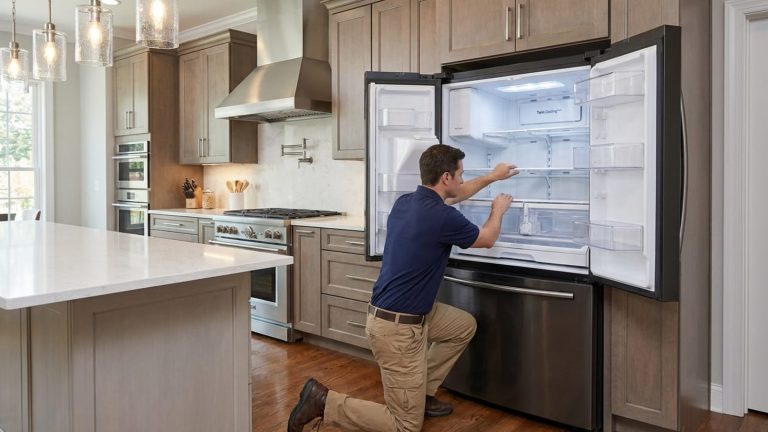
Samsung refrigerator temperature issues usually begin as a control or sensing problem before they show up as a clear cooling failure. The unit still powers on, the display still shows a normal setting, and some cooling is still there — but the way the refrigerator manages temperature inside becomes unstable.
Common symptoms include:
- incorrect temperature readings
- temperature swings from morning to night
- uneven cooling between zones
- food freezing in the fresh food compartment
- slow recovery after the doors open
- a mismatch between the setting on the display and what your food actually feels like
This guide focuses on the Samsung problem that causes the most confusion and the most avoidable food loss: temperature. We’ll explain how Samsung temperature problems are commonly linked to airflow restrictions, thermistor drift (a temperature sensor that reads wrong), defrost-related faults, sealing loss, and control board issues — and why each one produces a different temperature pattern inside the cabinet. You’ll find checklists of the most likely causes, the symptom logic behind each one, and the practical checks that help separate a maintenance issue from a failed part. The goal is simple: to make your Samsung’s temperature behavior easier to read, easier to troubleshoot, and easier to fix. And if you’d rather hand it off, our Samsung refrigerator repair team is ready to help.
Quick read before you touch the settings:
- Samsung recommends 38°F for the refrigerator and −2°F for the freezer on most models. The display shows an average for the compartment, not the exact temperature of one shelf.
- If food feels wrong but the panel looks normal, start with a thermometer test instead of changing the settings again and again.
- Incorrect readings, a faulty thermistor, blocked vents, door seal problems, and a failed defrost sensor can all look like the same complaint at first: uneven cold.
- If the refrigerator is warm and the display shows OF OF (or a similar “off” pattern on some models), Cooling Off mode has to be ruled out before anyone blames major parts.
- If both sections are warming or food is no longer holding safely, stop watching and start diagnosing.
Start by Checking the Real Temperature
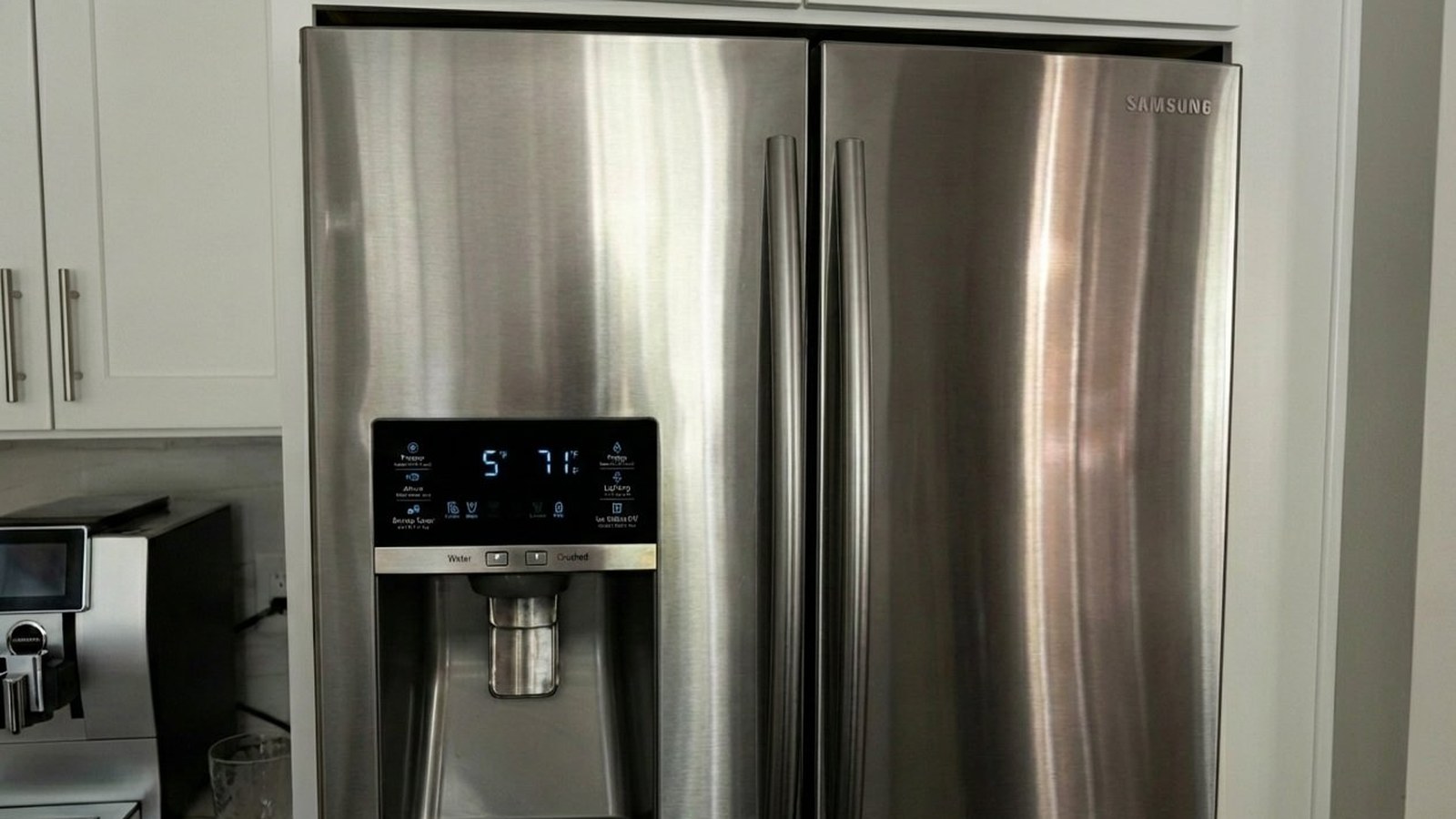
Samsung points out an important detail many homeowners miss: the display shows an average condition for the compartment, not the exact temperature of one bottle, one shelf, or one drawer. That means a refrigerator can look set correctly and still cool unevenly in real use.
The cleanest first check is a thermometer in a glass of water near the center of the fresh food compartment. Close the doors and give the cabinet several hours to settle. It’s slower than most people expect, but it’s far more reliable than feeling the air after you open the door. In other words, a good Samsung diagnosis starts with the real cabinet temperature, not the impression the panel leaves.
| Samsung baseline | Details |
|---|---|
| Recommended refrigerator setting | 38°F |
| Recommended freezer setting | −2°F |
| Food safety (USDA) | Refrigerated food below 40°F; frozen food at or below 0°F |
Temperature Symptom Decoder
Here’s a practical symptom map to use before service begins.
| What you notice | What it usually points toward | What to do next |
|---|---|---|
| Fresh food side warms first | Airflow imbalance, blocked vents, a faulty thermistor, or an early defrost restriction | Check the real cabinet temperature and keep the rear air path clear |
| Display looks normal but food feels off | Incorrect readings, sensor drift, uneven cooling, or slow control response | Use a thermometer test before changing settings again |
| Moisture or condensation at the door edge | Door seal problems, alignment issues, or warm humid air getting in | Clean the gasket and note whether one area lets go easily |
| One shelf freezes food while another runs warm | Uneven airflow, the damper (the flap that lets cold air into the fresh food side), a sensor mismatch, or frost restricting circulation | Look for blocked vents and note where the problem is strongest |
| Frost on the back wall or a fan noise along with warming | A failed defrost sensor or ice around the evaporator blocking airflow | Schedule service before the restriction grows |
| Both compartments run warm together | A deeper control or cooling problem, or Cooling Off mode on some models | Rule out Cooling Off mode, protect the food, and book service promptly |
Where Samsung Temperature Issues Usually Begin
1. When the Refrigerator Is Reading the Cabinet Wrong
If the control system believes the compartment is colder or warmer than it really is, the refrigerator starts chasing the wrong target. You experience that as temperature swings, slow recovery, overcooling in one zone, or a cabinet that feels different from morning to night for no obvious reason.
A faulty thermistor (the temperature sensor) is one of the classic reasons this happens. The thermistor tells the refrigerator what the compartment conditions are. When its readings drift, the cooling commands drift with them. The result isn’t always a dramatic failure; often it’s a cabinet that feels inconsistent while the display stays convincing.
This is also where incorrect temperature readings belong. Sometimes the panel is honestly showing an average while the cabinet cools unevenly. Sometimes the sensing circuit is off. Good repair work separates those two situations instead of treating them as one symptom with one answer.
2. When Cold Air Can’t Move the Way Samsung Designed It To
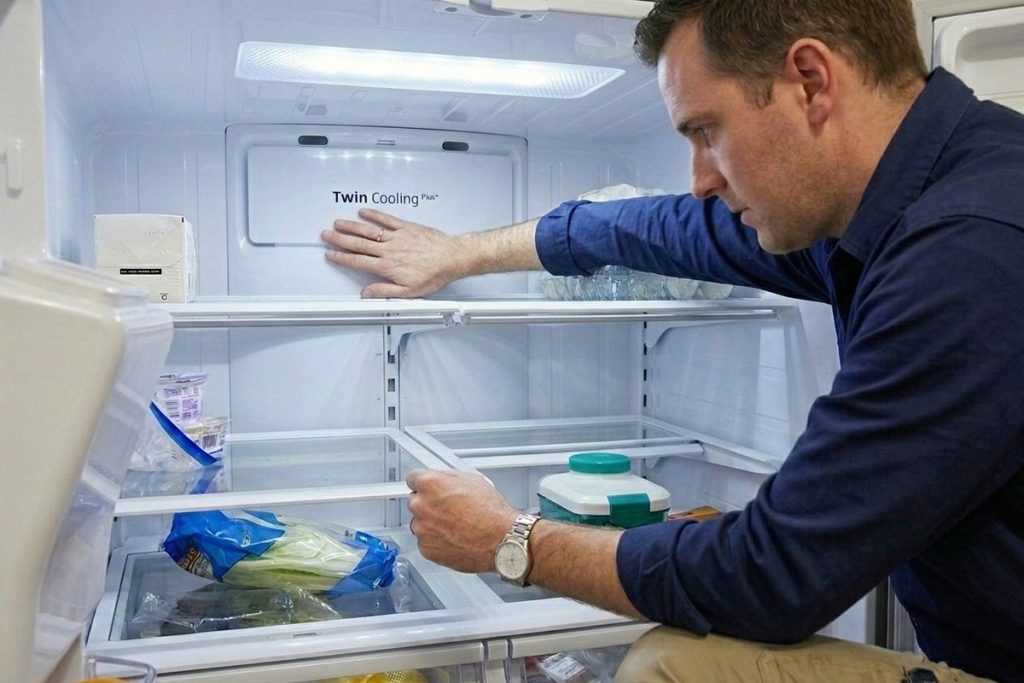
A refrigerator can have plenty of cooling ability and still fail to deliver stable cold where it matters. Samsung French door models depend on clear airflow inside the cabinet. If containers press into the rear vents, packages crowd the air path, or frost starts restricting circulation, the cabinet can cool unevenly even while the sealed system is doing its job.
Blocked vents are a common cause. They sound like a housekeeping note, but they often explain why one shelf runs colder, another warms, and the whole refrigerator starts feeling inconsistent instead of obviously broken.
Airflow complaints also overlap with defrost issues. If ice starts building around the evaporator because of a failed defrost sensor or another defrost fault, air movement becomes restricted and the symptom spreads. That’s why a frost problem can pass for a simple temperature complaint for longer than it should.
3. When the Cabinet Is Letting the Kitchen Back In
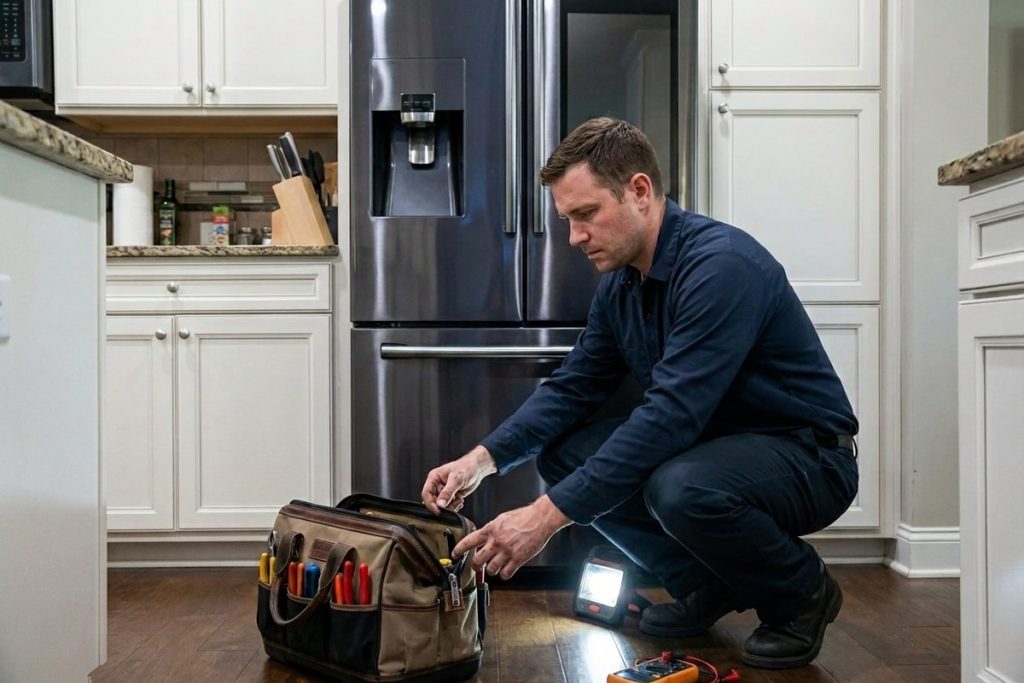
Door seal problems are one of the most underestimated reasons for Samsung cooling drift, especially in warm, humid summers. A gasket doesn’t need a dramatic tear to affect performance. It only needs to lose clean, even contact in one area.
Once warm room air keeps getting into the cabinet, the refrigerator has to recover again and again, moisture builds up, and “still running” stops meaning “still protecting your food.” The symptom may show up as condensation, a damp edge, longer run times, or a fresh food section that seems worse later in the day.
Try the paper test: close the door on a strip of paper in several spots around the gasket. If it slides out easily in one place, that’s useful evidence for a technician — not just a yes-or-no result.
4. When the Control Board Starts Getting the Timing Wrong
Modern Samsung refrigerators are coordinated systems. Sensors, fans, dampers, defrost timing, compressor behavior, and your settings all run through electronic logic. When control board issues begin, the symptoms often look scattered rather than dramatic: the freezer seems fine, the fresh food side wanders, and the display still responds even though the cabinet no longer feels under control.
That’s why simpler causes should be ruled out before anyone blames the control board. The smarter path is to check the real temperatures, note the order in which the symptoms appeared, rule out blocked vents and door sealing, and then test whether the control is responding properly to the readings it receives.
5. Cooling Off Mode
Some Samsung models can produce one of the most misleading temperature complaints of all: the refrigerator looks awake, the lights and even the fans may still run, but the cabinet doesn’t cool because Cooling Off mode — also called demo or display mode — is turned on. On many models the display shows OF OF.
It matters because it changes the entire repair conversation. Before anyone assumes a compressor, board, or sealed-system failure, Cooling Off mode has to be ruled out.
How to turn it off: the button combination depends on the model. On some Samsung models, you touch and hold the Energy Saver and Power Freeze buttons together for about 5 seconds. Your owner’s manual or Samsung’s support page for your model lists the exact buttons.
Homeowner Checklist Before Service
| Check this first | Why it matters |
|---|---|
| Record the fresh food temperature with a thermometer in water | This separates a display concern from a real storage problem |
| Look for packages pressed into the rear vents | Even premium refrigerators lose performance when airflow is blocked |
| Inspect the gasket and try the paper test in more than one spot | Uneven seal contact is useful evidence, not just a yes-or-no test |
| Notice whether the problem is stronger in one zone | Shelf-to-shelf differences help separate airflow trouble from whole-cabinet loss |
| Listen after the doors close | A rub, tick, or scrape along with warming can point toward ice or a fan blockage |
| Check the display for OF OF | Cooling Off mode can imitate a major cooling failure |
| Avoid repeated resets | They can hide the symptom pattern and make a clean diagnosis harder |
What Can Wait, and What Shouldn’t
Not every inconsistency is an emergency. Some are “watch closely and take notes” situations. Others are “stop watching and book service” situations.
| Usually reasonable to watch briefly | Time to call sooner rather than later |
|---|---|
| You changed the setting recently and the cabinet is still settling (Samsung allows up to about 28 hours) | Food is no longer holding safely, or both compartments are warming |
| The complaint is mild, in one spot, and not affecting food safety yet | The display looks normal but the thermometer confirms a real storage problem |
| You found crowded vents and are fixing that now | The door edge is wet, the cabinet is sweating, or the seal is uneven |
| The refrigerator recovers normally once the doors stay closed | A fan rub, scrape, or frost pattern appears along with weaker cooling |
If food is at risk right now: keep the doors closed, move the most perishable items to a cooler with ice, and check the thermometer again in a few hours.
Why Hot, Humid Kitchens Expose These Problems Sooner
A Georgia kitchen isn’t a gentle test for a refrigerator. Long warm seasons, high humidity, busy family kitchens, and frequent door openings all shrink the margin for a refrigerator that’s already starting to drift.
That doesn’t mean every symptom is severe. Small symptoms simply become visible earlier. The sooner the pattern is recognized, the more likely the repair stays small instead of turning into food loss and a rushed replacement decision.
Is It a Known Problem With My Model?
Some homeowners start by searching whether other owners have had the same trouble. That’s a fair question, but a search result isn’t a diagnosis. A unit with blocked vents, door seal problems, or a faulty thermistor can cause real food-safety trouble without sharing the repair path of a refrigerator with a deeper cooling or control fault. For coverage questions, check the warranty that came with your refrigerator and Samsung’s support page for your model number.
Before You Call: Details That Make the Visit Faster
Think of this as a short note sheet. When the technician already knows where the pattern starts — one zone or the whole cabinet — diagnosis usually gets more precise, faster.
| What to note | Why it helps |
|---|---|
| Model number or series | The full model number is best; “French door” or “side-by-side” is enough to start |
| Which section changes first | Fresh food side, freezer, deli drawer, or both together |
| Your best thermometer reading | Fresh food temperature in water, freezer temperature, and roughly when you measured |
| What comes with the warming | Moisture at the seal, fan rubbing, frost on the back wall, or a blinking display |
| Whether it’s constant or comes and goes | All day, mostly afternoons, only after heavy door use, or after a power outage |
Conclusion
Samsung refrigerators are supposed to make temperature control feel invisible. When that changes, the first evidence is often small: a warmer shelf, a slower recovery, unexpected frost, a damp edge at the door, or a compartment that looks right on the display but feels wrong in use.
If your Samsung is no longer holding temperature, don’t let the conversation stop at the panel setting. Look at the real cabinet temperature. Note whether the issue is in one spot or spreading. Pay attention to airflow, sealing, and signs of sensing or defrost trouble.
Why homeowners call PRO Appliance Repair: we’re a family-owned, insured company with 15+ years of experience. Our technicians are EPA 608 certified and background-checked, we use genuine OEM parts, and our warranty covers parts and labor for up to six months. We offer same- or next-day visits across the Atlanta area.
Cabinet can’t hold a safe temperature, or cooling changes came with frost, noise, or a wet seal? Book Samsung refrigerator repair before more food spoils.
Frequently Asked Questions
What temperature should a Samsung refrigerator hold?
For everyday food storage, the refrigerator should stay below 40°F, and Samsung recommends a 38°F setting for the fresh food compartment on most models. The freezer should hold at or below 0°F, with −2°F as Samsung’s recommended setting.
Why does my Samsung display look normal when the food feels warm?
Because the display shows an average for the compartment, not the exact temperature of one shelf or one item. If cooling is uneven, one zone can drift before the panel tells the whole story. A thermometer in a glass of water gives you the real number.
Can a faulty thermistor really cause temperature swings?
Yes. A faulty thermistor feeds the control system inaccurate information, so the refrigerator may cool too long, not long enough, or unevenly from zone to zone.
Do blocked vents really matter that much?
They do. When cold air can’t move cleanly through the cabinet, temperatures stop feeling consistent. Items near the air path may overcool while other areas run warm.
When should I worry about a failed defrost sensor?
Worry less about the part name and more about the pattern: frost where it shouldn’t be, airflow changes, fan rubbing, and a fresh food side that gets weaker over time are all reasons to have the refrigerator checked.
My Samsung shows OF OF and isn’t cooling. Is it broken?
Probably not. OF OF on some Samsung models means Cooling Off (demo) mode is on — the lights and display work, but the cooling doesn’t. Turn it off with the button combination for your model (on some models, hold Energy Saver and Power Freeze together for about 5 seconds), then give the refrigerator time to cool down.
Disclaimer: PRO Appliance Repair is an independent repair company and is not affiliated with or endorsed by Samsung Electronics. All trademarks belong to their respective owners.