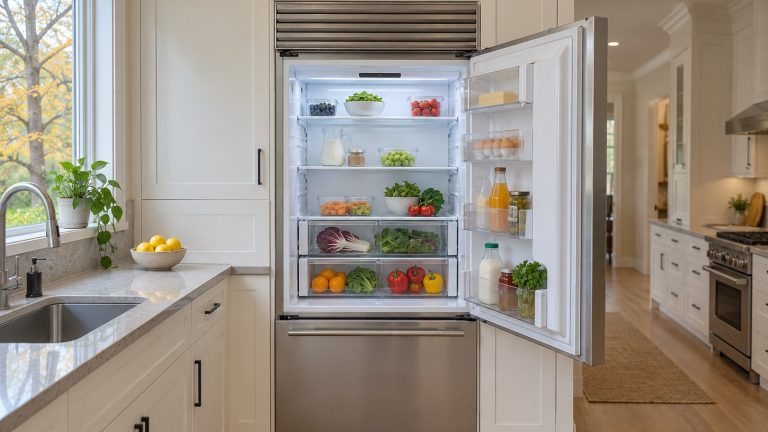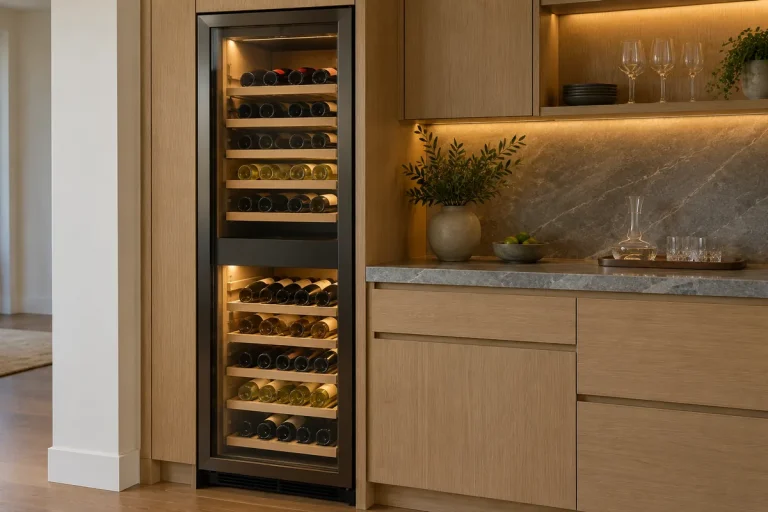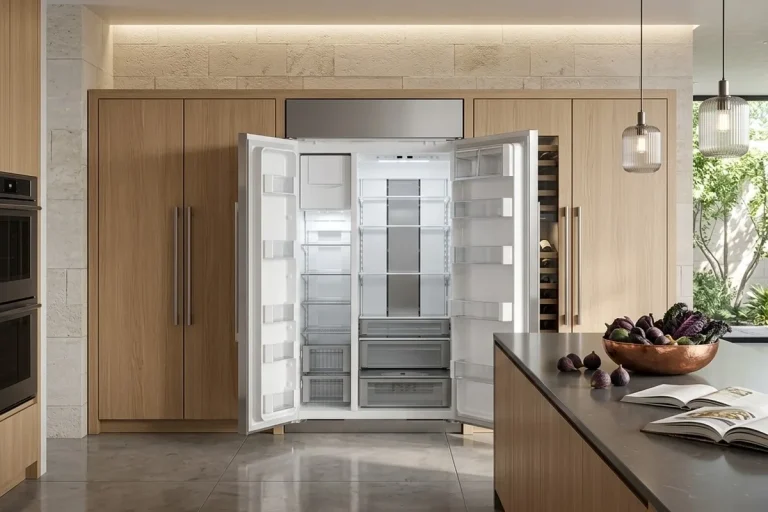

Designer Series refrigerators tend to signal trouble quietly. A compartment that no longer holds temperature. A touch panel that hesitates. A display that behaves unpredictably. The appliance continues running, yet cooling no longer feels reliable — and you’re left wondering: a setting, a glitch, or a real repair?
Frustrating? Absolutely. Serious? Less often than it feels. Many of these changes stem from the electronic controls that manage temperature, lighting, and communication inside a Sub-Zero Designer Series refrigerator — and some “broken panel” calls turn out to be a mode, a dark display, or a home network problem.
Our team works regularly with Designer Series tall units, integrated columns, and drawers across the Atlanta area. This article examines how control issues lead to cooling problems, what the symptoms reveal before more serious failures occur, and what you can safely check yourself. Rather hand it off now? Our Sub-Zero refrigerator repair team works on both Designer generations.
How to tell which Designer model you have: DET and DEC are the current Designer line (tall units and columns), built since 2022. IT and IC are the Legacy Designer tall and column models (formerly Integrated), built 2014 to 2022. ID models are Designer drawers. The digits are the width — DET3650 is 36 inches wide — and models ending in W (DEC1850W, DEC2450W) are wine columns.
Safety first: Everything here happens at the control panel, the circuit breaker, or on your phone. Don’t remove panels or covers to get at wiring, and never pull a Designer out of its opening — it’s anchored to the cabinetry. Burning smell? Switch off the breaker and call for service.
When Advanced Controls Begin to Drift
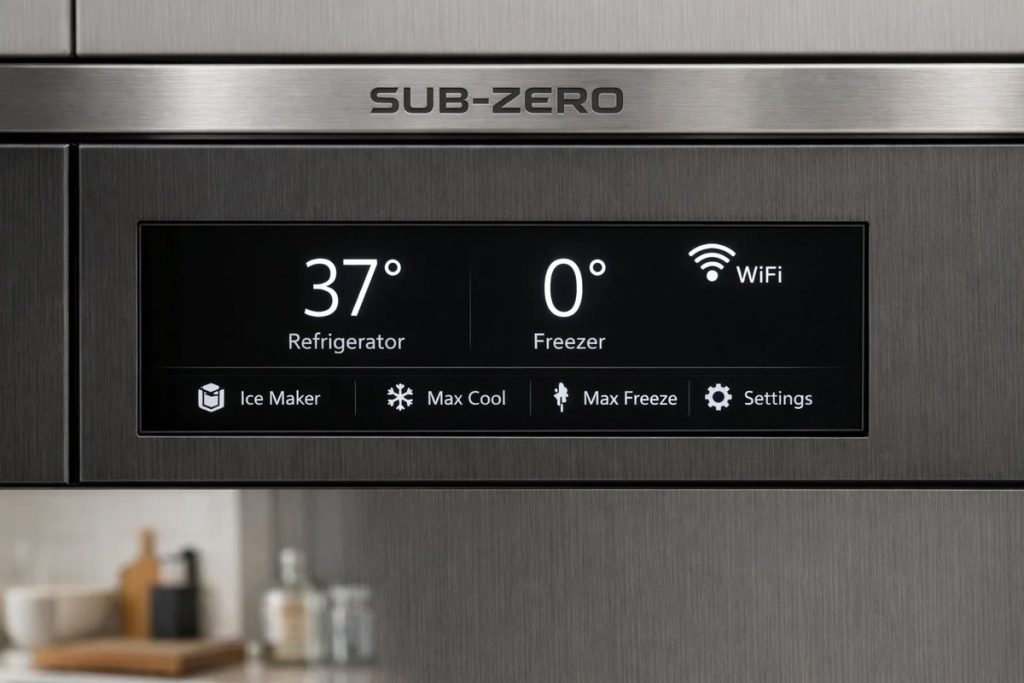
Designer Series refrigerators depend on a tightly coordinated digital system. The touch panel collects your input. Sensors (thermistors) report temperature. The control board translates that data into cooling decisions. Wi-Fi, if you choose to connect, adds remote monitoring and alerts on your phone.
When this system is stable, performance is precise. When it drifts, the refrigerator does not usually fail outright. Instead, accuracy fades.
This is when homeowners begin to notice that a designer refrigerator is not cooling the way it once did. Settings change, but results do not. Cooling becomes uneven. Certain compartments feel warmer without an obvious reason.
These early signs can point toward an electronic control problem rather than a mechanical breakdown — but not always. The order of your checks matters.
Integrated Columns and Hidden Temperature Drift
Integrated and panel-ready refrigerators are designed to disappear into the kitchen. That design choice, however, also hides early symptoms of trouble.
In many homes, complaints about a designer series integrated column not cooling come only after food quality becomes inconsistent. Produce spoils faster. Dairy struggles to stay cold. The refrigerator continues running, but performance never quite stabilizes.
This leads to common questions like “why is my integrated fridge warm?”, even though nothing appears visibly wrong.
How to check: put a separate thermometer on a middle shelf for 24 hours — Sub-Zero says a new setting needs that long to settle. Sub-Zero calls swings of about ±5°F normal. A bigger gap between thermometer and display is a real clue.
Why “Not Cooling” Doesn’t Always Mean Mechanical Failure
When a Designer refrigerator isn’t cooling, the assumption is often a problem in the refrigerant system. Sometimes it is. But before blaming either the electronics or the compressor, run the first checks Sub-Zero’s Designer owner’s guide lists for high temperatures:
- Condenser clean? Look through the kickplate grille (the panel at floor level) for dust; if it’s dusty, schedule a cleaning.
- Door or drawer closing properly, not left ajar?
- Hot room? Higher room temperatures make the compressors run longer.
- Exactly 38° and 0° on the display while nothing cools? On DET and DEC models, Sub-Zero says the unit may be in Showroom Mode — a call to Sub-Zero Customer Care, not a part.
Ruled those out? Then the electronics move up the list. In diagnostics, the control-side patterns are:
- Sensors reporting inconsistent data
- Control boards misinterpreting temperature conditions
- Touch panels accepting input without executing changes
That explains many service calls where no mechanical component is actually failing. The refrigerator is running. It is simply being guided by flawed instructions.
Touch Panels That Stop Responding Reliably
Touch panels are central to Designer Series operation. When they become unreliable, the entire system loses its primary command interface.
It happens on IT-30, IC-30 and DET3650 panels alike.
Symptoms are rarely dramatic. Panels may lag, ignore commands, or need two or three taps. On Legacy Designer (IT, IC, ID) units, Sub-Zero describes a screen that’s stuck, won’t move when swiped, or seems locked up. Once response becomes inconsistent, cooling accuracy can follow.
What You Can Check, in This Order
All of these are free.
- Is the display dark? Sub-Zero panels are backlit, so with the interior lights out the control can look dead. On DET and DEC units, a door left ajar switches the lights off to limit heat — close it for an hour and look again.
- Double dashes (–)? That zone is turned off.
- Sabbath Mode? It changes how the screen and lights behave — see below.
- Breaker reset. Switch the refrigerator’s circuit breaker off for 30 seconds, then on. Check that any outlet with a Test/Reset button hasn’t tripped. This is Sub-Zero’s first step for an unresponsive panel and for DET and DEC error codes.
- Legacy Designer: software version. On IT, IC, and ID, tap the arrow on the left of the home screen, the gear, the “i” icon, then “Versions.” Sub-Zero’s stuck-panel troubleshooting names user interface version 10.00.10. If yours shows a different number, the panel may need a software update — note it for the technician.
Still unresponsive? Sub-Zero’s next step is service, whether or not the refrigerator is still cooling.
Modes That Look Like a Broken Panel
- Sabbath, DET and DEC. A Sabbath screen appears, lights stay on dim even with the door closed, and the ice maker and door alarm stop. It ends on its own after 74 hours; to exit sooner, tap Settings, arrow to the Sabbath icon, and hold it 10 seconds.
- Sabbath, IT, IC, and ID. A black Sabbath screen stays up, lights sit at a constant dim. Press and hold the screen five seconds to exit — or, on updated controls, hold POWER about 10 seconds.
- After an outage, a unit that was in Sabbath goes back into it. With Atlanta’s summer storms, that’s a real possibility.
- Night Mode (DET, DEC) dims the interior lights when the kitchen is dark. Normal.
- “Snooze/Refresh” is a filter or air-cartridge reminder, not an error. Snooze delays it 24 hours.
Digital Display Errors and What They Signal
Digital display problems often appear alongside touch panel issues. Numbers flicker. Segments drop out. Temperature readings no longer match internal conditions.
These symptoms are frequently described as:
- IC-24 digital display errors
- DET3050 digital panel problems
While they may look cosmetic at first, display issues can reflect communication faults between sensors, control board, and screen. When the display loses accuracy, you lose your early warning.
- DET and DEC: faults show as three-number codes, and the settings menu has a troubleshooting and service screen. Code 10 1 11, for example, means a short in the Zone 1 evaporator thermistor (a temperature sensor). Write it down, reset the breaker, and call if it returns.
- Dim or partly lit display (IT, IC, ID, IW): Sub-Zero’s checks are power, the light switch, then the display panel — the last two are technician jobs.
That’s why temperature problems on panel-ready refrigerators can seem hard to explain.
Wi-Fi Problems: Usually the Network, Not the Cooling
Wi-Fi in Designer Series refrigerators gives you remote temperature control, door-ajar and error alerts, and filter reminders. What it does not do is run the refrigerator. Sub-Zero is clear: pairing is optional, and appliances don’t need the internet to be used.
So with designer series Wi-Fi problems, IT-36 Wi-Fi connectivity loss, or IC-36 Wi-Fi not working, first ask whether the unit can connect at all:
- DET and DEC: all connected ready. Pairing starts over Bluetooth in the Sub-Zero Group Owner’s App, then joins your Wi-Fi.
- IT, IC, and ID: connected ready from serial number 5700000; earlier units can connect with a kit. From serial 5959000, there’s also Bluetooth Only Mode, which works within about 20 feet.
Should connect but won’t? Sub-Zero’s checklist is mostly phone and router: give the app Bluetooth and location access, update it, stand within 20 feet while pairing, and make sure the router isn’t blocking the appliance. A firmware update during setup can take five to fifteen minutes. Weak kitchen signal? Move the access point closer or add an extender.
In these cases, Wi-Fi failure is not the cause of cooling problems. If the app drops and the panel freezes and the cabinet warms, the controls need a look — the Wi-Fi was just the first thing you noticed.
When the Refrigerator Runs but Never Gets Cold Enough
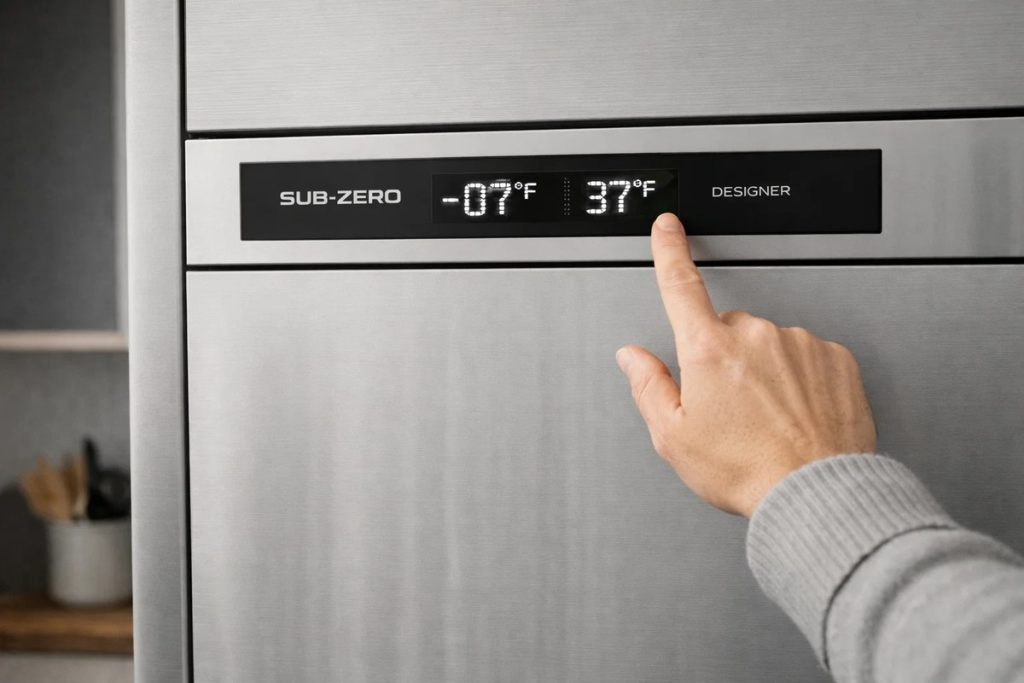
One of the most confusing scenarios for homeowners is a refrigerator that runs continuously yet fails to maintain temperature.
Designer Series units rely on constant digital feedback. When sensors misreport conditions or control logic drifts, the system cycles inefficiently. Cooling becomes uneven. Certain zones remain warm even as the compressor continues to run.
One caveat from Sub-Zero: combination models have two compressors that can run at the same time, so near-constant sound isn’t proof of a fault. Trust the thermometer, not the hum.
Common Electronic Causes Behind Not Cooling Complaints
Across Designer Series models, these are the electronic causes a technician works through, most named in Sub-Zero’s own troubleshooting:
- Loose connections or communication cable (on drawer models, a harness behind the drawer)
- A failed light switch, leaving the backlit display dark
- A failing display panel
- Outdated control software on Legacy Designer units
- A failed thermistor feeding the board false temperatures
- Control board faults
These problems sit behind most Designer not-cooling calls, especially in integrated and panel-ready installations where symptoms emerge gradually. None is a do-it-yourself swap — and guessing is how people pay for parts they didn’t need.
Model Patterns Seen Across the Designer Series
Although each model uses its own hardware configuration, the patterns stay consistent within each generation:
| Model family | Built | Controls | App connection |
|---|---|---|---|
| DET3050, DET3650 | 2022 and newer | Touch panel, three-number codes | All connected ready |
| DEC1850FI, DEC2450R, DEC2450FI | 2022 and newer | Touch panel, three-number codes | All connected ready |
| IT-30, IT-36 | 2014–2022 | Touchscreen with swipe menus | From serial 5700000 |
| IC-24, IC-30, IC-36 | 2014–2022 | Touchscreen with swipe menus | From serial 5700000 |
| DEC1850W, DEC2450W | Current line | Wine columns | All connected ready |
Different designs, similar outcomes. When electronic accuracy fades, cooling reliability follows.
Practical Signs Pointing to Control Issues
While electronic repair is not a DIY task, certain behaviors consistently indicate control-related problems:
- Temperature changes do not affect cooling
- Touch input responds intermittently, with lights on and Sabbath off
- Digital readings disagree with a thermometer after 24 hours
- One zone of a combination unit drifts warm while the other holds
When these signs appear together, further adjustment rarely helps. Note any code and your thermometer reading — it saves time on the visit.
Why Experience Matters With Designer Series Controls
Designer Series refrigerators are unforgiving of guesswork. Their electronics are model-specific and tightly calibrated, and two generations share Atlanta kitchens.
Effective repair requires reading the codes, sensor verification, testing connections and the board, and confirming the result. Generic approaches often introduce new problems rather than resolving existing ones.
That’s why homeowners look for technicians familiar with Designer Series control architecture. Ours have 15+ years of experience with Sub-Zero; they’re EPA 608 certified (the federal certification required to work with refrigerant) and background-checked, and we’re family-owned and insured.
Fixing Not Cooling Issues in the Designer Series
Resolving a not cooling issue in Designer Series refrigerators rarely starts with replacing major mechanical parts. In many cases, restoring proper communication between the control board, sensors, and user interface corrects cooling behavior.
This is especially true for panel-ready refrigerators and integrated columns that run continuously but never settle at the set temperature.
Check the age first. Sub-Zero’s residential warranty covers the whole unit, parts and labor, for two years from installation. Every DET and DEC dates from 2022 or later, so a newer unit may still be covered — call Sub-Zero first.
Accurate electronic diagnostics prevent unnecessary part replacement and protect long-term performance. We use genuine OEM parts, and our warranty covers parts and labor for up to 12 months.
Why Integrated and Panel-Ready Units Require Specialized Diagnosis
Integrated refrigerators are designed to disappear visually. That same design can delay problem recognition.
Temperature drift may not trigger alarms immediately. External surfaces remain unchanged. Noise levels stay normal. Meanwhile, internal conditions move further out of range.
For integrated Sub-Zero refrigerators, experience with Designer Series electronics matters. We cover Buckhead, Brookhaven, Sandy Springs, Dunwoody, Decatur, and nearby areas, most days same- or next-day.
Final Thoughts
Sub-Zero Designer Series refrigerators rely on advanced digital systems to deliver consistent cooling. Touch panels, digital displays, sensors, and — if connected — Wi-Fi all play a role.
When cooling problems appear, the cause is sometimes electronic rather than mechanical. Touch panel failures and display errors quietly undermine accuracy before a complete failure ever occurs. But start with the free checks: lights, dashes, Sabbath, the breaker reset, a thermometer.
Precision appliances perform best when precision is restored at the first sign of drift. Panel still not cooperating? Book Sub-Zero refrigerator repair and we’ll take it from there.
FAQ
Why is my integrated fridge warm even though it is running?
Often a control or sensor issue: the refrigerator keeps operating, but digital feedback is no longer accurate. Rule out a dusty condenser, a door not closing fully, and 38° and 0° on a DET or DEC display (Showroom Mode). Then compare a shelf thermometer with the display after 24 hours.
Can Wi-Fi problems affect cooling in Designer Series refrigerators?
No. Sub-Zero says appliances don’t need the internet to be used. App drops but the cabinet stays cold? Network, phone, or router. App drops, panel freezes, and temperature climbs? The controls need a look.
What causes touch panels to stop responding?
Start with the non-repairs: dead interior lights make the backlit display look unresponsive, double dashes mean a zone is off, and Sabbath Mode changes the screen. Then try a 30-second breaker reset and check any outlet with a Test/Reset button. Still stuck? Sub-Zero says it needs service.
Are digital display errors a serious concern?
They can be. Flickering numbers or missing segments can reflect communication problems between sensors, board, and screen — and a display you can’t trust hides temperature drift. On DET and DEC models, write down any code before resetting.
Should the control panel or control board be replaced?
That depends on diagnostics. Some failures involve the interface — the display panel, or a light switch behind a dark screen — others the main board, a thermistor, a loose connection, or outdated software. Accurate testing determines the correct repair path.
Does my Designer Series refrigerator need Wi-Fi to work properly?
No. Connecting is optional, and it cools the same either way. DET and DEC models are all connected ready; IT, IC, and ID from serial number 5700000, earlier ones with a kit.
PRO Appliance Repair is an independent repair company and is not affiliated with, sponsored by, or endorsed by Sub-Zero Group, Inc. Brand and model names are used only to identify the appliances this page is about and remain the trademarks of their respective owners.