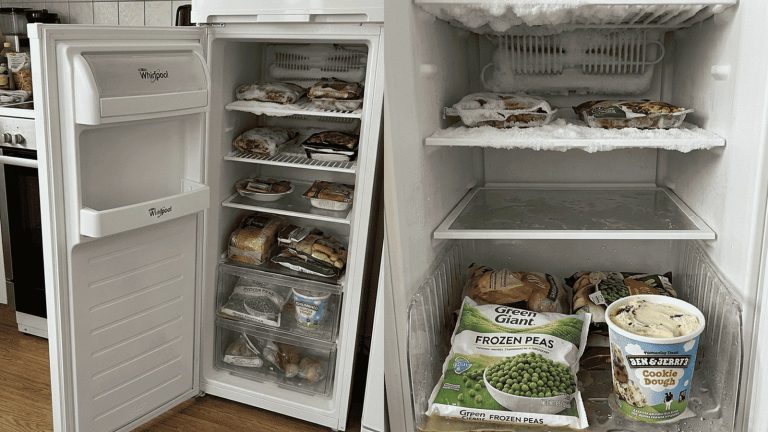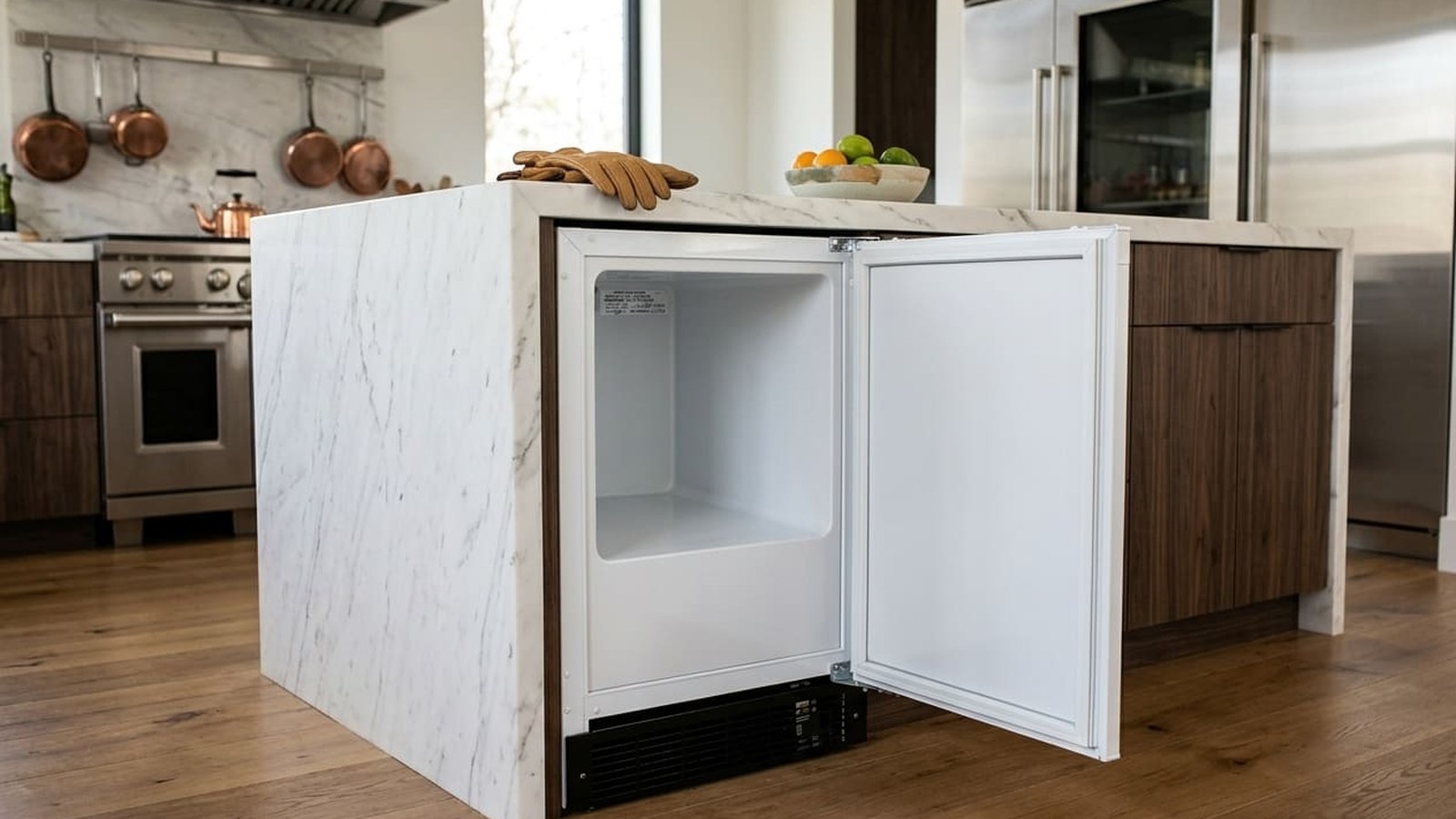
You reach into your Marvel freezer and the ice cream gives under your fingers. The frozen chicken isn’t quite frozen. The display says one number, and your instincts say something else. A Marvel freezer running too warm isn’t just an annoyance — it’s the unit telling you something specific is wrong. And the longer that something waits, the bigger it gets.
Frozen food starts to soften. The compressor runs and runs, trying to reach a temperature it can’t hold anymore. And in plenty of cases, what could have been a small fix turns into a compressor repair by the time someone finally takes a look.
Marvel builds a warning into the display for exactly this. On the MLFZ224 undercounter freezer, Marvel’s guide says that when the compartment temperature stays above the control setting for an extended time, “HH” (High Temp) appears on the display — and the guide’s instruction is to contact service. If you’re seeing HH, the unit has been struggling for a while, maybe longer than you think if the temperature crept up slowly.
But here’s what many owners don’t realize: the display isn’t the only way to spot a temperature problem. If the temperature drifts up a few degrees over several weeks, you may never see a warning at all, while your food is stored warmer than it should be. That’s a quality problem for everyday frozen food — and a bigger one for anything you can’t afford to lose.
This guide walks you through six checks for a Marvel freezer that’s too warm — starting with the simplest things you can look at yourself and ending where a technician needs to take over. Go through them in order. Each one rules out a cause and points you toward the next.
Freezer too warm and you’d rather not guess? Our Marvel freezer repair team will find out why and get it holding temperature again.
How a Marvel Freezer Shows Its Temperature — and What HH Tells You
Before running through the checklist, it helps to understand what the display is actually telling you.
You choose a set temperature, and the control works to hold the cabinet there by turning the compressor on and off. A temperature sensor inside the cabinet reports to the control. Marvel’s guide for the MLFZ224 makes an important point: the temperature on the display reflects the actual temperature inside the unit. If it’s different from what you selected, the unit is working its way toward your setting. How long that takes depends on the room temperature, the temperature of what you loaded, how often the door is opened, and similar factors.
When the compartment stays above the setting for an extended time, HH appears. When it stays below, LL appears. Marvel doesn’t give owners a reset for these — the guide says to contact service for further instructions. That’s the system doing its job: telling you something is outside normal. What it doesn’t tell you is why. That’s what the checklist below is for.
Many guides online describe a “Hi alarm” that fires at exactly 10°F over the setting after one hour, a “cL” condenser code, and a reset made by pressing SET seven times. Those aren’t in Marvel’s guides for its current undercounter freezers, so we don’t recommend trying them. Go by what your own display and your own guide show.
There’s also one important difference between a normal wait and a real problem. Marvel’s guide gives these points:
- After loading. When you first load the freezer, or add a large amount of warmer food, Marvel advises keeping door openings to a minimum for the next 12 hours so the contents can pull down to the set temperature. Marvel also recommends letting the unit reach its set point before you load it at all.
- Hot food. Let hot items cool to room temperature before putting them in.
- After moving or storing. If the unit was shipped, handled, or stored in anything other than an upright position, Marvel’s guide says to let it stand upright before plugging it in — at least 24 hours — so the oil can return to the compressor.
The table below sums up what’s normal and what points to a problem:
| Situation | Normal | Worth a closer look |
|---|---|---|
| After first loading or a big load of warmer food | Display above the setting for a while; Marvel advises minimal door openings for 12 hours | Still well above the setting after those 12 hours with the door closed |
| After changing the setting | Display moves gradually toward the new setting | Display never gets close to the new setting |
| After the door was open | A short rise, then recovery | No recovery with the door kept closed |
| Normal running | Compressor turns on and off; display holds near the setting | Compressor runs nonstop; display stays above the setting |
| HH on the display | Doesn’t appear in normal use | Appears — Marvel says to contact service |
Six Checks to Run When Your Marvel Freezer Is Too Warm
A Marvel freezer that isn’t cooling properly has a familiar set of causes. Marvel’s own troubleshooting list for a product that isn’t cold enough names the temperature setting, the room temperature, direct sunlight or nearby heat, door openings and how long the door is open, how long the interior light stays on, and anything blocking the front grille or condenser. The six checks below follow that list. Work through them in order — each one rules out a group of causes and narrows things down for the next.
Check 1: Room Temperature and Nearby Heat
This check costs nothing and takes two minutes. Look at where the unit is installed.
Here’s where many guides get it wrong. You’ll often read that Marvel freezers are made for rooms between 40°F and 86°F. That’s not what Marvel says. Marvel’s installation section gives a recommended installation location temperature of 55°F to 100°F for the unit to perform to specifications. Below 40°F, Marvel’s guide moves into steps for shutting the unit down for long periods — so a cold garage in winter is its own issue.
So a hot day alone usually doesn’t explain a warm freezer — but a really hot spot can. In Atlanta, an unconditioned garage, utility room, or sunny porch can climb past 100°F on a summer afternoon. A Marvel freezer that ran perfectly in February and struggles in July may be fighting its location, not a broken part.
Look for local heat sources too. Marvel’s guide says not to install the unit next to a hot appliance like a cooker or dishwasher, a heating air duct, or other heat sources, and to keep it out of direct sunlight. An oven right next to it, a dishwasher venting warm air its way, or afternoon sun on the door panel can all push the unit past what it can handle.
The fix here is a change in placement or better room cooling — not a repair. If you’re not sure how warm the space gets, put a simple thermometer nearby on a hot afternoon and write down what it reads. A technician will want to know.
Check 2: Normal Waiting Time vs. a Real Problem
Before you go further, make sure the unit isn’t just catching up.
If the display climbed after you loaded a lot of food, changed the setting, or the power came back after an outage, give it time with the door closed. Marvel’s guide asks for minimal door openings for 12 hours after a big load. The time to reach the set point, the guide says, depends on the room, what you loaded, and how often the door opens — so there’s no single number that fits every case.
If you want a real reading of what your food is experiencing, use the method from Marvel’s own guide, called “Checking Product Temperature”: partly fill a plastic, nonbreakable bottle with water, put an accurate thermometer in it, close the cap tightly, and leave it in the freezer for 24 hours without opening the door. After 24 hours, read the water temperature. That tells you more than the air reading on the display, because Marvel notes that air temperature doesn’t show product temperature.
If the unit has been running at its normal setting, with no recent big load or setting change, and the bottle still reads too warm — move on to Check 3.
Check 3: Frequent or Long Door Openings
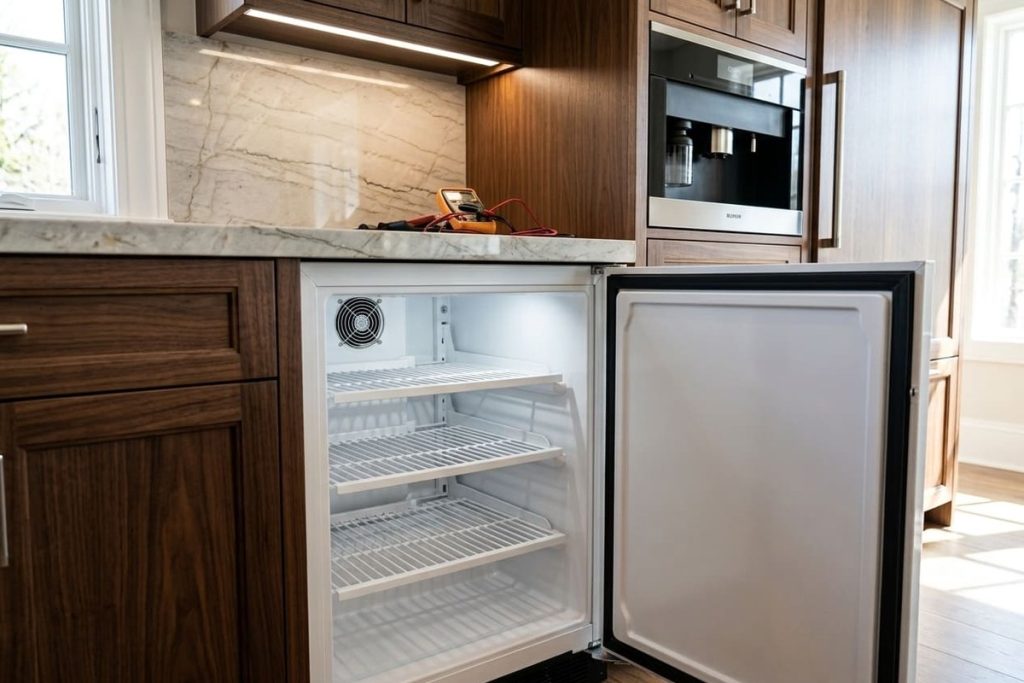
Every time the door opens, warm room air rushes in. The unit then has to work to cool it back down. One quick opening barely matters. But a pattern of frequent or long openings — holding the door open while you search for something, a party with people grabbing ice every few minutes, a door left open by accident — can push the temperature up enough to show on the display.
Marvel’s guide helps here in two ways. First, it lists the number of door openings and how long the door is open among the causes that affect the temperature inside. Second, on the MLFZ224, a door alert sounds if the door is left open for more than 30 minutes: a tone for several seconds every minute, plus a symbol on the display. Closing the door silences it.
The interior light matters too. Marvel lists the time the internal light is on as a cause, mainly for food on the top shelf. If the light stays on with the door closed, that’s worth checking.
The test is simple: keep the door closed and see whether the temperature comes back. If it does, door habits were the cause — shorter and fewer openings will fix it. If it doesn’t recover with the door closed, something else is going on. Move to Check 4.
Check 4: The Door Seal
A failing door seal is one of the most common reasons a Marvel freezer runs too warm over time, and it’s one of the easiest to check.
When the door gasket loses its grip — because the material has hardened with age, because part of the magnetic strip inside has weakened, or because a section is torn or squashed flat — warm room air seeps into the cabinet through that gap, all day long. The compressor runs longer to make up for it, but it’s fighting a steady stream of warm air. The result is a freezer that slowly gets warmer as the seal gets worse.
Try the paper test: close the door on a strip of paper and pull it out. Do this at six to eight points around the door — top, bottom, hinge side, handle side, and corners. Steady resistance all around means the seal is working. If the paper slides out easily anywhere, that part of the gasket isn’t sealing.
Look for frost too. Marvel’s troubleshooting table links frost on internal surfaces to one thing first: make sure the door is closing and sealing properly. And Marvel’s guide asks you to make sure nothing stored inside stops the door from closing — a package sticking out a bit can keep the door from sealing without you noticing.
For a full door seal diagnosis — what wears gaskets out, and when replacement is needed — see our Marvel freezer door not sealing guide.
Check 5: The Front Grille and the Condenser
If Checks 1 through 4 didn’t explain it, the condenser is next.
The condenser is where the freezer gets rid of the heat it pulls out of the cabinet. On Marvel undercounter freezers, air for the condenser moves through the front grille at the bottom of the unit. Marvel’s guide says ventilation is required from the bottom front, and that blocking the grille openings results in increased energy use and a loss of cooling capacity. When the grille or the condenser behind it is coated with dust and lint, the compressor runs longer and harder, and eventually it can’t get rid of enough heat to hold the setting. The cabinet warms up. The compressor runs nonstop. You have a freezer that isn’t cooling — and it isn’t a cooling system failure, it’s a maintenance issue.
Two signs point here:
- The unit runs all the time. A compressor that never shuts off is fighting a load it can’t beat. A blocked grille or dirty condenser is a common reason on undercounter units.
- The grille is blocked or dusty. Rugs, toe-kick trim, shoes, or a layer of lint all restrict the air. Marvel also doesn’t recommend custom-made grilles, since they can restrict airflow.
Something else worth knowing: you’ll often read that freestanding Marvel undercounter units need 3 to 6 inches of space at the sides and back. Marvel’s guide says something different — cabinets and countertop can be installed around the unit as long as the front grille stays unobstructed. The front is what matters.
The owner-friendly part is described below. Cleaning the condenser coil itself is a different job — that’s covered in the maintenance section.
Check 6: Sensors, Defrost Parts, and the Point Where You Stop
If all five checks above look fine — the room is within Marvel’s range, the unit has had time to settle, door openings aren’t excessive, the gasket passes the paper test, and the front grille is clean and clear — but the freezer is still too warm, the problem has moved past what an owner can check.
Marvel’s parts lists for its undercounter freezers include a thermistor assembly, an evaporator thermistor, a main control board, an evaporator and its fan, a defrost heater, a defrost thermostat, a condenser and its fan motor, and the compressor. Any of them can be behind a freezer that won’t hold temperature.
The temperature sensor (thermistor) is a good example. It reads the temperature inside and reports it to the control. If it fails, the control gets the wrong information — it may think the cabinet is colder than it really is and run the compressor less, so the real temperature climbs. If the display shows an error code alongside the warm temperature, write it down exactly as shown and give it to the technician — it can point straight to the part.
Confirming a sensor fault means testing it with a meter and comparing against the specification for your model. Reaching it means removing interior panels. Diagnosing defrost parts or the control board means working with live components. If you’ve reached Check 6, stop here and call a technician.
Gone through all six checks and your Marvel freezer is still too warm? The problem has moved past what an owner can safely diagnose. Our technicians provide Marvel freezer repair across Atlanta and Georgia, with same- or next-day appointments available most days.
Front Grille Care: What You Can Do — and What to Leave to a Technician
Keeping air moving through the front grille is the most useful maintenance step an owner can take for a Marvel freezer that’s running too warm. Here’s how to do it safely.
What you can do:
- Clear the area. Make sure nothing sits in front of the grille at the bottom of the unit — rugs, mats, trim, shoes, bags, pet beds.
- Brush or vacuum the grille. Marvel’s guide says to brush or vacuum lint and dirt from the front grille at least once or twice a year. Use a soft brush or the brush attachment of your vacuum on the outside of the grille.
- Be careful when cleaning nearby. Marvel warns to take care when sweeping, vacuuming, or mopping near the front of the unit, since the grille can be damaged.
- Disconnect power before washing. Marvel’s guide says to disconnect electrical power before cleaning with soap and water.
- Keep it simple. If you need the door open for a long cleaning job, Marvel suggests setting the control to off for that time.
What to leave to a technician:
Many online guides walk you through removing the grille, brushing the condenser coils, wiping the fan blades, and resetting a maintenance counter. Marvel’s owner sections only describe caring for the grille — not taking it off to work on the coil behind it. Marvel’s troubleshooting table does list making sure the condenser coil is clean, but reaching the coil and the condenser fan safely means removing parts near moving and electrical components. That’s work we recommend leaving to a technician, who can clean the condenser, check the condenser fan, and confirm the unit is pulling the temperature down properly afterward.
Once the condenser is clean, the unit still needs time to bring the cabinet back down. Give it time with the door closed, and use the bottle method from Check 2 to see where the temperature really settles.
Sensors and the Sealed System: Repairs That Need a Professional
When the checklist points to a sensor problem or a deeper problem in the cooling system, the work moves to a technician. Here’s what each involves — and why.
Temperature Sensor Replacement
A sensor that reads outside its normal range sends the control wrong information about the temperature inside. The repair means reaching the sensor behind interior panels, testing it with a proper meter, and replacing it with the right part for your model if it’s out of specification. The part itself is small and simple. Getting to it without cracking the interior liner is the tricky part — it takes knowing the right panel sequence for the model.
If an error code shows on the display along with the warm temperature, tell the technician exactly what you saw. It can save a lot of diagnostic time.
Sealed System and Compressor Diagnosis
If the condenser is clean, the sensors test fine, the door seals, and the unit still isn’t cooling properly, the problem may be in the sealed cooling system — refrigerant loss or a compressor that’s no longer doing its job.
A compressor that runs nonstop but can’t bring the cabinet down — even with clean coils, a working sensor, and a good door seal — is a compressor under stress. One common reason is refrigerant loss through a slow leak. Without enough refrigerant, the compressor keeps running, but it can’t move heat out of the cabinet, and the freezer stays too warm no matter how long it runs.
Marvel’s guides note that these units use R600a (isobutane) refrigerant, which is flammable. Diagnosing a refrigerant problem means measuring system pressures with professional gauges, and refrigerant work requires EPA 608 certification — it’s never a DIY job. Our technicians are EPA 608 certified and equipped for sealed system diagnosis on Marvel undercounter units throughout Atlanta and Georgia.
Preventing Temperature Problems: A Seasonal Checklist
A Marvel freezer that runs too warm is very often the end result of something that built up slowly. A few seasonal habits help prevent most of these problems before they start:
- Spring — clear and clean the front grille before the Atlanta heat arrives. Georgia summers come early and stay late. Brush or vacuum the grille in April or early May, before your kitchen, garage, or utility room starts warming up. If it’s been years since the condenser behind it was cleaned, spring is a good time to have a technician do it.
- Summer — keep an eye on the room. Marvel’s recommended range is 55°F to 100°F. A unit in an unconditioned garage or a sunny utility room can go past that on summer afternoons. If that’s your setup, the location may be why the unit struggles in summer — and better room cooling or a different spot may be the real fix.
- Fall — check the door seal before the holidays. If you’ll be opening and loading the freezer more often in November and December, do the paper test on the gasket in October. A seal that’s barely holding up in normal use won’t keep up with heavy holiday traffic.
- Year-round — don’t ignore what the display says. If HH appears, Marvel’s guide says to contact service. And if the temperature has been creeping up even without a warning, use the bottle method from Check 2 to see where it really stands.
Marvel freezer still too warm after all of this? Book Marvel freezer repair with our Atlanta team, and we’ll get it holding temperature again.
Conclusion
The six checks in this guide come in a deliberate order, and following that order matters. Start with the room and nearby heat — a Marvel freezer struggling in a scorching Atlanta garage may have a location problem, not a repair problem. Make sure the unit isn’t just catching up after a big load. Rule out door habits. Test the door seal. Clear and clean the front grille. Only after all of that comes back fine does the problem move into sensors, defrost parts, or the cooling system.
Here’s the reassurance that often gets lost when you start imagining the worst: many cases of a Marvel freezer running too warm come down to the room, the door seal, or the front grille and condenser. Compressor failure is the exception, not the rule. Don’t assume the worst before you’ve checked the basics.
The Atlanta summer deserves real respect every year. Georgia heat and humidity are hard on any undercounter unit, especially in garages and utility rooms. Homes with pets, carpet, or dusty utility spaces may need the grille cleaned more often than once or twice a year. Clearing the grille in spring, before the heat arrives, is one of the simplest habits that prevents summer temperature problems.
If HH shows on the display, or the bottle method keeps reading warm after you’ve done the checks, it’s time for a technician. Our EPA 608 certified, background-checked technicians bring 15+ years in the field and genuine OEM parts, and our repairs carry a warranty of up to six months. We’re a family-owned, insured, independent repair company, not affiliated with Marvel.
Frequently Asked Questions
I cleaned the front grille on my Marvel, but it’s still running too warm. What should I check next?
Keep going through the checklist in order. Do the paper test on the door seal at six to eight points around the door — a gasket that’s weak in one spot lets in enough warm air to keep the unit from holding its setting, even with a clean grille. Make sure nothing inside stops the door from closing. Then check the room: Marvel’s recommended range is 55°F to 100°F, away from sun and heat sources. If all of that checks out, have a technician clean the condenser coil behind the grille and test the sensors.
My Marvel freezer runs too warm only in summer. Is it the unit or my house?
It can be either. Marvel’s recommended installation temperature is 55°F to 100°F. If the room goes past that on summer afternoons — common in Atlanta garages and utility rooms — the unit is working outside the range it was built for, and better room cooling is the fix. If the room stays within range and the freezer still struggles in summer, the extra heat is probably exposing a maintenance issue, like a dusty grille or condenser that keeps up in cooler months but not in July.
My Marvel freezer feels too warm, but the display doesn’t show any warning. How is that possible?
Marvel’s guide says HH appears only when the compartment stays above the setting for an extended time. A slow drift of a few degrees may never trigger it, while your food is still stored warmer than it should be. A small gap in the door seal or a partly dusty grille can cause that kind of drift without a warning. Use Marvel’s bottle method — a plastic bottle of water with an accurate thermometer, 24 hours with the door closed — to see the real temperature.
The display says my Marvel freezer is at the right temperature, but the food is soft. What’s going on?
Marvel notes that air temperature doesn’t show product temperature. The display reads the air; your food may be warmer, especially near the door or on the top shelf, where the interior light matters most. Use the bottle method to check the real temperature. If the bottle reads warm while the display looks normal, a sensor may be reading wrong — that’s a job for a technician.
Can I reset my Marvel freezer to fix a temperature problem?
Marvel doesn’t give owners a reset for a warm freezer. When HH appears, the guide says to contact service. Unplugging and plugging the unit back in won’t fix a dirty condenser, a weak door seal, or a failed sensor — the problem will come back. One setting worth knowing: Marvel’s guide describes a showroom mode in which the display stays lit but the unit will not cool. If the display looks normal and nothing is cold, mention that to the technician.
What’s the right temperature setting for my Marvel freezer?
Marvel’s owner sections for its undercounter freezers don’t print one right number for every home. Marvel’s MPFZ424 guide says first startup needs no adjustment — the unit runs on its default settings — and the MLFZ224 guide says the display shows the actual temperature inside. If the bottle method reads warmer than you want, the guide says you can adjust the control in a small increment. If you keep turning it colder and the temperature won’t follow, stop adjusting and call a technician — something else is wrong.