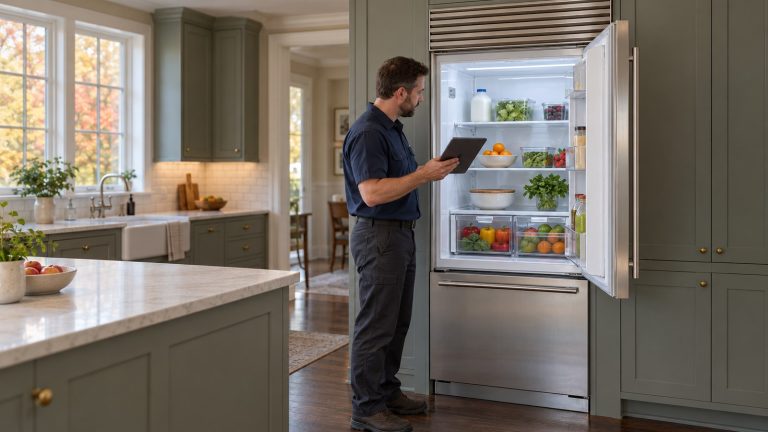
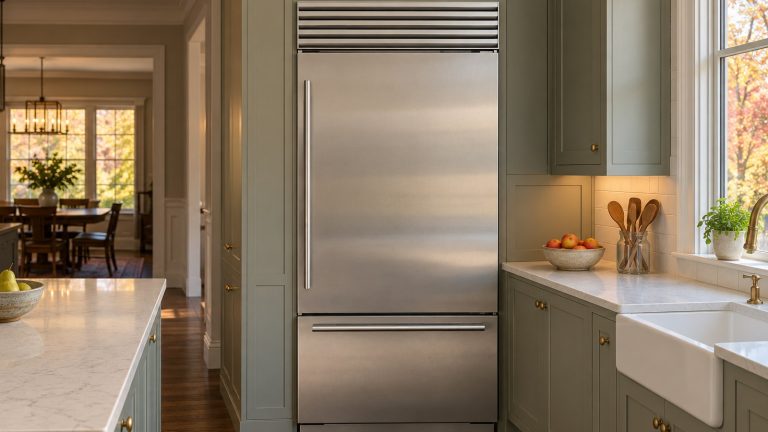
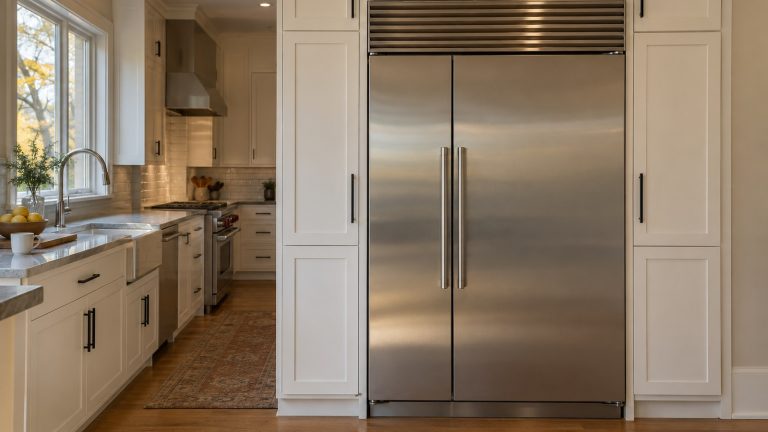
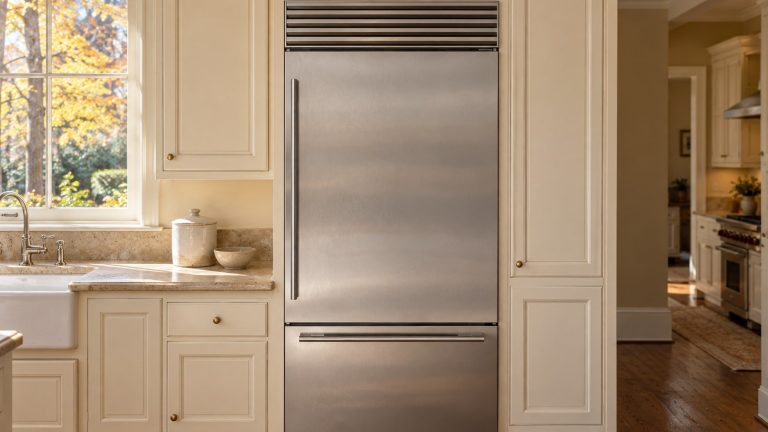
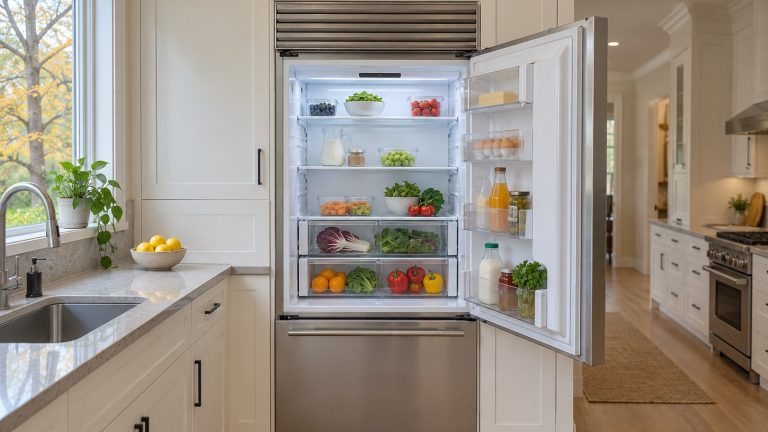
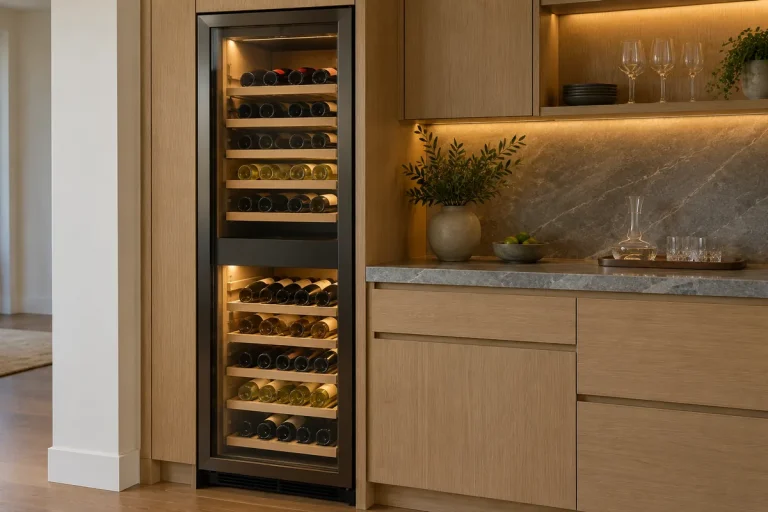
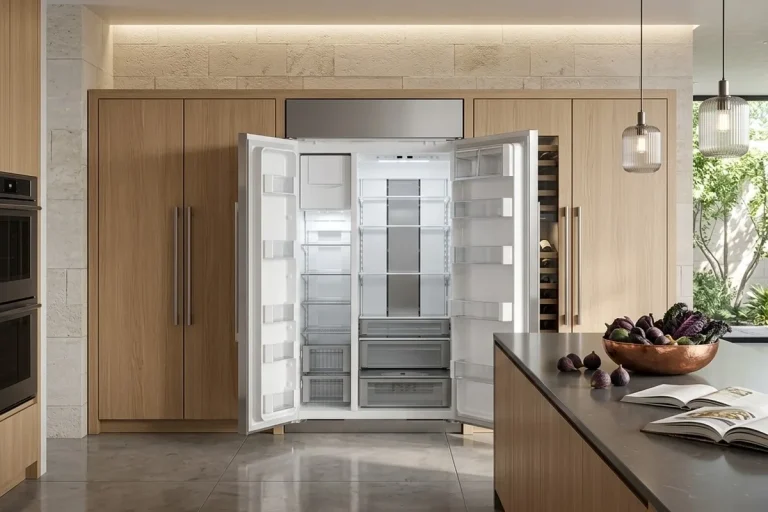
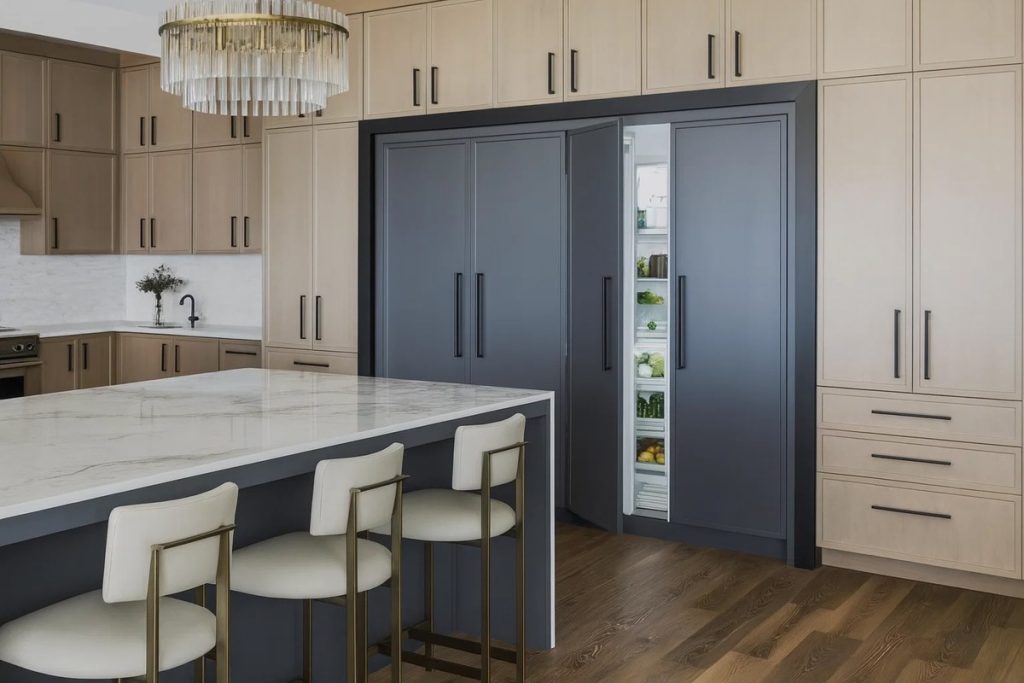
Sub-Zero’s Designer Series column refrigerators and freezers are built to disappear into the kitchen. A custom cabinet panel goes on the door, the unit sits flush with the cabinetry, and from across the room you can’t tell where the cabinets end and the refrigerator begins.
That same integration is why problems with these units often look different from problems with a freestanding refrigerator. A column that’s a fraction out of level can keep a door from sealing. A panel that’s too heavy can strain a hinge. A blocked toe kick can make a perfectly healthy unit run warm.
This guide covers the most common issues owners run into with Designer Series columns: flush fit and alignment, custom panels, cooling and airflow, and the controls. It uses Sub-Zero’s Designer Series installation guide, its Designer Series use and care guide, and its owner support pages. If your checks don’t solve it, our team handles Sub-Zero refrigerator repair for Designer owners across metro Atlanta.
A safety note before you start. Built-in columns are heavy and are held in place with an anti-tip bracket. Don’t pull a column out of its opening yourself. Sub-Zero warns that its refrigeration contains flammable refrigerant and must be serviced by trained personnel. The checks below are the owner-level ones.
Which Designer Models We’re Talking About
Sub-Zero has made two generations of Designer refrigeration:
- The earlier Designer line, formerly called Integrated. This includes columns such as the IC-18FI, IC-24R, IC-24FI, IC-24C(I), IC-30R, IC-30FI, IC-36R, and IC-36FI, and tall models in the IT series. Sub-Zero says its Designer Tall and Column (IT, IC) products are no longer produced. Most were made from 2014 to 2022. Designer drawer (ID) models are still in production.
- The current Designer line (DET, DEC). Sub-Zero offers replacements for earlier models in this line. For example, it lists the DET3650CI as the current model that replaces the IT-36CI.
In Sub-Zero’s model numbers, “R” is an all-refrigerator column, “F” is an all-freezer column, “C” is a combination, and “I” means an ice maker. The two numbers after the letters give the width. Columns come in 18-, 24-, 30-, and 36-inch widths, so two columns side by side can make one wide, built-in refrigerator and freezer.
Many of the issues below apply to both generations. Where Sub-Zero’s guidance is specific to the current line, we say so.
Common Installation Challenges and Solutions
Many Designer problems come from how the unit sits in its opening rather than from a failed part. That doesn’t mean the original install was wrong. Floors settle, cabinets shift, and panels get changed over the years.
1. Flush fit, gaps, and alignment
The point of a Designer column is a flush fit with the cabinets. Over time, a column can end up protruding, sitting unevenly, or showing gaps that weren’t there before.
The signs:
- The door or panel no longer lines up with the cabinets around it.
- Gaps between panels are uneven.
- A neighboring cabinet door or drawer is harder to open.
- The column door doesn’t close as easily as it used to.
Why it matters: Alignment affects how the door closes and seals. Sub-Zero’s Designer installation guide says to level the unit to the floor, not to the surrounding cabinetry, because leveling to the cabinets can affect how the door closes. It also says that a properly leveled unit is less likely to need door or drawer adjustments.
What the guide calls for:
- Leveling from the front. Height is adjusted from the front with a Phillips drive: clockwise raises the unit, counterclockwise lowers it. Sub-Zero says to use the lowest torque setting on a power drill and not to turn the leveling legs by hand.
- Front legs on the floor. Sub-Zero warns that the front leveling legs must be in contact with the floor to reduce the chance of the unit tipping forward.
- An anti-tip bracket. The guide requires an anti-tip bracket and says to verify it’s properly engaged when the unit is rolled into place.
- Flush depth. The unit’s depth is adjusted to fit flush with the surrounding cabinetry, then it’s anchored with screws through the side trim once the doors and drawers open properly.
- Reveals. For the current line, Sub-Zero says reveals of about 1/8 inch between panels are typical.
Adjusting a built-in column means working with the anti-tip bracket, the leveling legs, and the trim screws while the unit stays secure in its opening. That’s a job for a technician or a qualified installer.
Column not sitting flush anymore? Book a Sub-Zero repair and we’ll check leveling, alignment, and the door seal together.
2. Custom panel problems
The custom panel is what makes a Designer column disappear. Sub-Zero’s guide for the current line says Designer models must have custom door or drawer panels and handle hardware installed, or Sub-Zero stainless steel panels.
The signs of a panel problem:
- A visible gap between the panel and the door
- A panel that moves or feels loose
- A clicking sound when the door opens or closes
- A door that doesn’t close or seal as well as it did
Why it matters: A loose or misaligned panel can scratch nearby cabinetry and keep the door from closing fully. Sub-Zero’s troubleshooting for Designer freezer drawers also says to make sure the custom panel is aligned properly, because a misaligned panel can keep a drawer from closing.
Panel weight limits. Panel weight is one of the most common hidden causes of door trouble. Sub-Zero’s guide for the current Designer line gives these maximum weights per panel:
| Column width | Maximum panel weight |
|---|---|
| 18-inch column | 45 lb |
| 24-inch column | 60 lb |
| 30-inch column | 75 lb |
| 36-inch column | 75 lb |
Sub-Zero says custom panels must be at least 5/8 inch thick, and a thicker panel is fine as long as it stays within the weight limit. For panels thicker than 1 inch, it says the 90-degree door stop may be needed to protect the unit and nearby cabinetry. It also warns that as the gap between the cabinetry and the unit gets smaller, there’s a risk of pinched fingers while the door is closing.
If your column’s door started sagging, binding, or not sealing after new panels were installed, check whether the panels are heavier than the limit for your model. Older IC columns have their own installation guide, so check the limits for your specific model.
3. Cooling and air circulation problems
When a Designer column runs warm, frosts up, or runs more than it used to, the cause is often airflow or something simple, not a major failure.
The signs:
- The refrigerator isn’t as cold as it should be.
- Some areas are colder than others.
- The compressor seems to run constantly.
- There’s frost, condensation, or ice buildup inside.
Sub-Zero’s checks. For high temperatures, a unit that runs too much, or one that gives off too much heat, Sub-Zero’s Designer guide lists:
- Make sure the condenser is clean.
- Make sure the door or drawer closes properly.
- Make sure the door or drawer hasn’t been left ajar.
- Remember that a warmer room may make the compressors run longer.
- If the display shows 38° and 0° but the unit isn’t cooling, it may be in showroom mode. Contact Sub-Zero’s customer care line.
For frost, condensation, or ice inside, the guide adds one more check: make sure the gasket has no rips or tears. If it does, the unit needs service.
Keep the kickplate clear. On the current Designer line, Sub-Zero’s guide puts the condenser behind the kickplate at the bottom of the unit. Its safety warnings also say to keep ventilation openings in the unit and the surrounding cabinetry free of obstructions. A rug, a bin, or storage pushed against the kickplate makes the unit work harder.
Clean the condenser. Sub-Zero says to clean it every 6 to 12 months, and that skipping it can lead to temperature loss, mechanical failure, or damage. Turn the power off at the control panel and wear gloves, because the fins are sharp. On column models, open the door so the panel doesn’t get in the way, remove any decorative kickplate, then take out the kickplate’s mounting screws. Use a soft-bristle brush and a vacuum.
If the unit is still warm or frosting after these checks, the problem may be a fan, a damper, a sensor, or the sealed system. Those need a technician. For a deeper look, see our guides to Sub-Zero Designer Series not cooling and Sub-Zero Designer Series frost problems.
4. Unresponsive touch controls or a dark display
When the control panel stops responding, you lose the ability to change the temperature or settings.
Check these first:
- Power. If there are no lights and no cooling, Sub-Zero says to make sure the unit is on and the home circuit breaker is on.
- Lights out after a door was left open. Sub-Zero explains that if a door or drawer was left ajar, the lights may turn off to keep extra heat out. Close it for one hour. If the lights are still out, the unit needs service.
- Showroom mode. As above, a display that shows normal temperatures on a unit that isn’t cooling may be in showroom mode.
- A power cycle. Sub-Zero’s reset steps are to turn the unit off at the control panel, then turn the home circuit breaker off for 30 seconds and back on, and retest.
- Error codes. If the display shows an error code, Sub-Zero says to look up that specific code first.
If the panel stays dark or unresponsive after a power cycle, or only some buttons work, the control panel or the board behind it needs a technician.
Why Owners Choose Designer Series Columns
Designer columns are popular for good reasons:
- Full integration. Custom panels give a built-in look that matches the kitchen.
- Flexible layouts. With 18-, 24-, 30-, and 36-inch widths, owners can pair a refrigerator column with a freezer or wine column.
- Air purification. Sub-Zero’s current Designer guide describes an air purification cartridge on the back wall that deals with ethylene gas, which speeds up ripening and spoilage. The cartridge lasts about a year.
- Soft-close drawers. Sub-Zero lists Designer (DET, DEC, IT, IC) among the models with soft-close refrigerator drawers.
- A door alarm. On Designer products, the door and drawer ajar alarm can be set from 5 to 90 seconds.
The trade-off is that a built-in unit depends on its installation more than a freestanding one does.
When to Call a Technician
- the column needs to be releveled, realigned, or pulled from its opening
- a panel is loose, damaged, or heavier than the limit
- the unit is still warm or frosting after the condenser, door, and gasket checks
- the gasket is torn
- the control panel stays dark or unresponsive after a power cycle
- the lights stay out after the door has been closed for an hour
Have the model and serial number ready. On current Designer columns, Sub-Zero says the rating plate is inside the middle drawer, near the drawer guide opposite the hinge.
Our EPA 608 certified, background-checked technicians bring 15+ years in the field and work on Sub-Zero built-in and integrated refrigeration. We use genuine OEM parts and back repairs with a warranty of up to 12 months. We’re a family-owned, insured, independent repair company, not affiliated with Sub-Zero, and we offer same- or next-day appointments when the schedule allows.
The Final Thought
A Designer Series column is as much part of the cabinetry as it is an appliance. When something goes wrong, check the simple things first: the level, the panels, the toe kick, the condenser, the door, and the power. Leave the bracket, the leveling of a built-in unit, and anything inside the cooling system to a technician.
If the checks don’t solve it, schedule Sub-Zero refrigerator repair.
FAQ
Are Sub-Zero IC column refrigerators still made?
No. Sub-Zero says its Designer Tall and Column (IT, IC) products are no longer produced; most were made from 2014 to 2022. The current Designer line uses DET and DEC model numbers, and Designer drawer (ID) models are still in production.
Why doesn’t my Designer column door close or seal like it used to?
Common causes are a unit that’s no longer level, a panel that’s loose or too heavy, or something inside blocking the door. Sub-Zero says to level the unit to the floor, not the cabinets, because leveling to the cabinets can affect door closing.
How heavy can a custom panel be on a Designer column?
For the current Designer line, Sub-Zero lists 45 lb for an 18-inch column, 60 lb for a 24-inch column, and 75 lb for 30- and 36-inch columns, per panel. Panels must be at least 5/8 inch thick.
My Designer column is running warm. What should I check first?
Sub-Zero’s checklist: a clean condenser, a door that closes fully and wasn’t left ajar, and the room temperature. If the display shows 38° and 0° but it isn’t cooling, it may be in showroom mode.
How do I reset an unresponsive Sub-Zero control panel?
Sub-Zero’s reset is a power cycle: turn the unit off at the control panel, turn the home circuit breaker off for 30 seconds, then back on, and retest. If it still doesn’t respond, the controls need service.
How often should I clean the condenser on a Designer column?
Sub-Zero says every 6 to 12 months. Turn the power off at the control panel, wear gloves, remove the kickplate, and clean the condenser with a soft-bristle brush and a vacuum.